Brojek Universe Language: play free in your browser
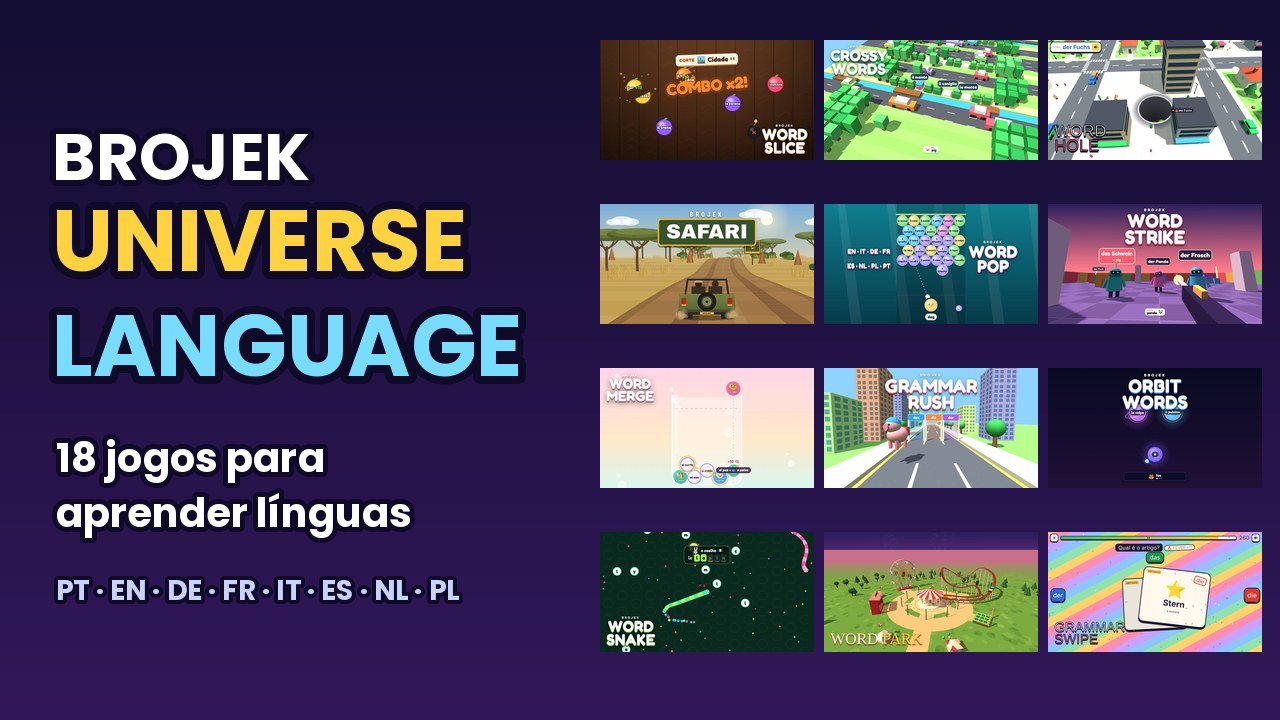
Brojek Universe Language is free on Brojek Games: it opens right in your browser — no download, no install, nothing to pay. 18 games to learn languages by playing: pick the language you speak and the one you want to learn (PT, EN, DE, FR, IT, ES, NL, PL).
How to open and play
PC
- Open Chrome, Edge, Firefox or Safari.
- Go to brojekgames.com and pick Brojek Universe Language.
- Click Play and use keyboard and mouse (or a controller, when the game supports it).
Phone and tablet
- Open your device’s browser (Chrome or Safari).
- Go to brojekgames.com and pick Brojek Universe Language.
- Tap Play — the buttons appear on screen.
Where it works
Similar games, also free
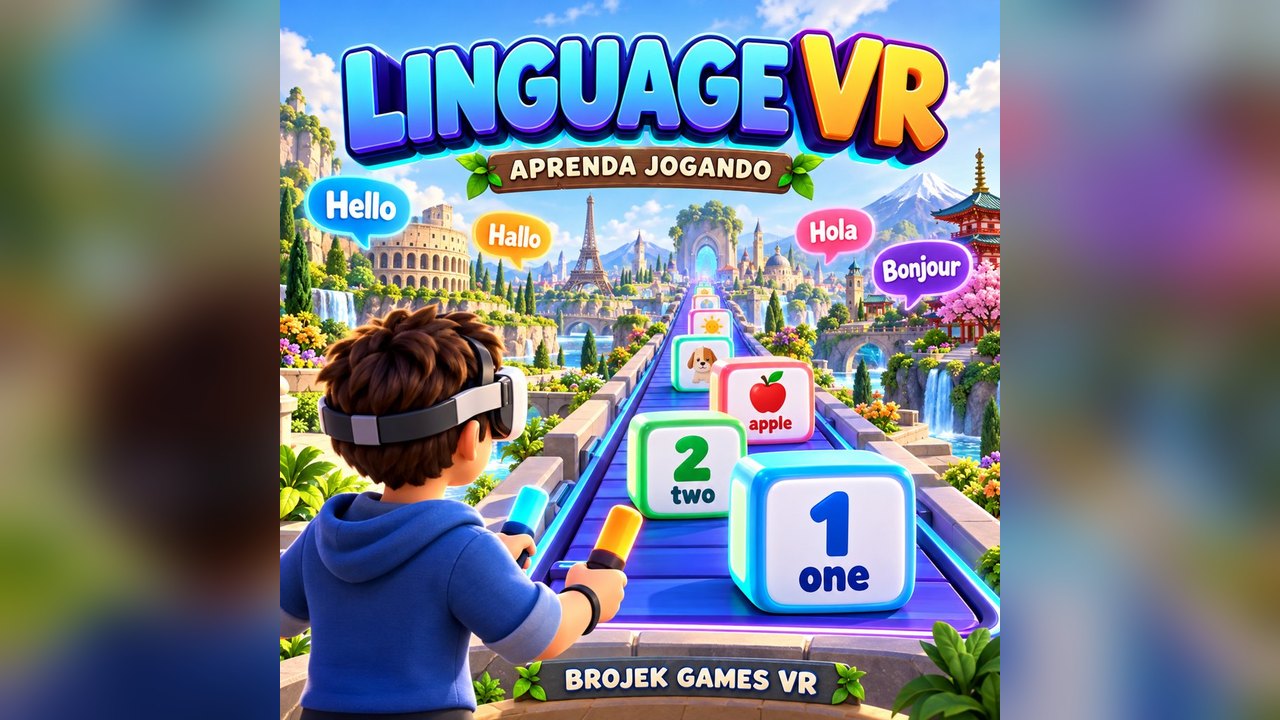 FreeLINGUAGE VRLearn languages in virtual reality: you stand on a slow conveyor belt and words arrive in boxes for you to learn and answer.
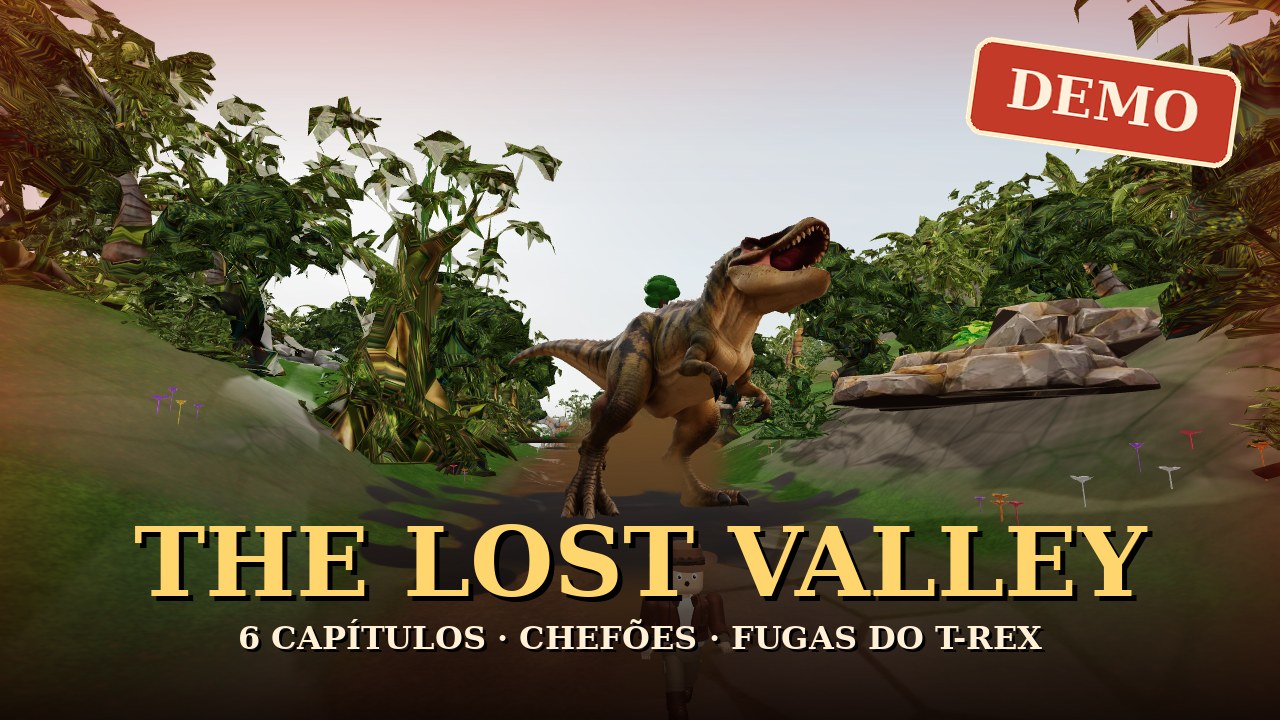 Free demoThe Lost Valley (DEMO)Free demo — Indiana Jones-style 3D adventure with dinosaurs: open valley, mine-cart track and 6 chapters with bosses and T-Rex escapes.
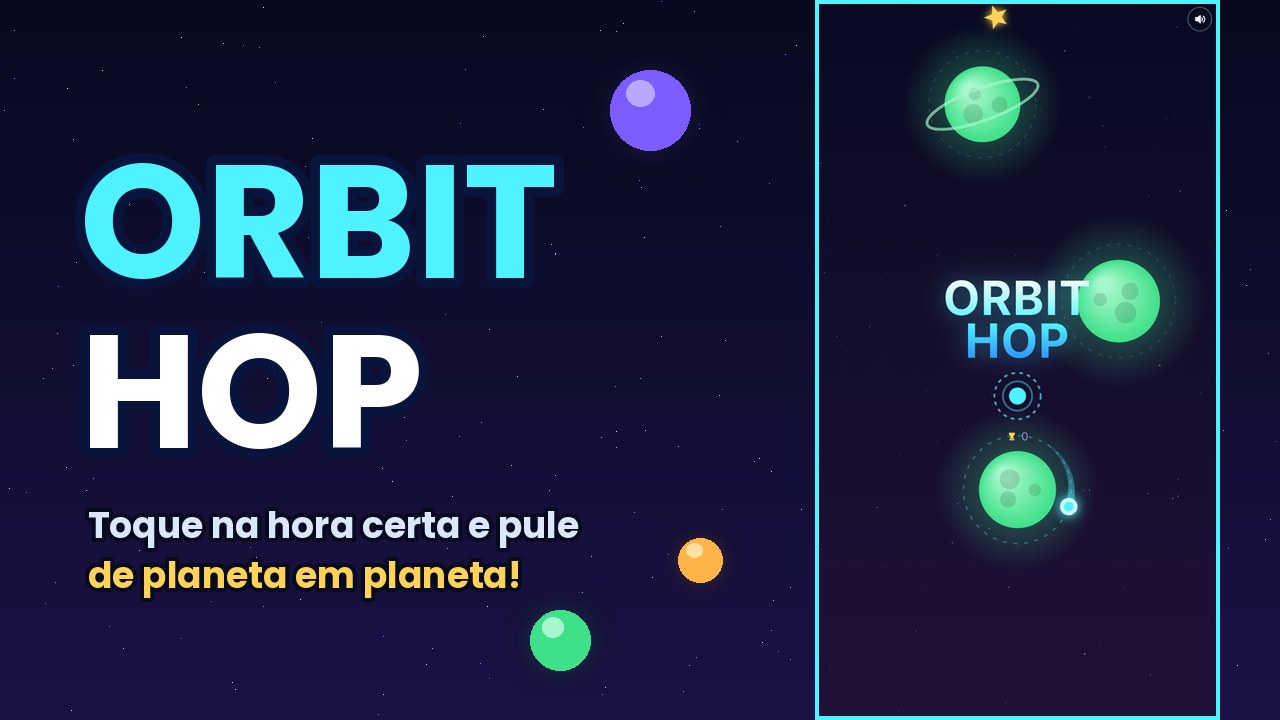 FreeOrbit HopOne-tap space game: launch the ball at the right moment and hop from planet to planet.
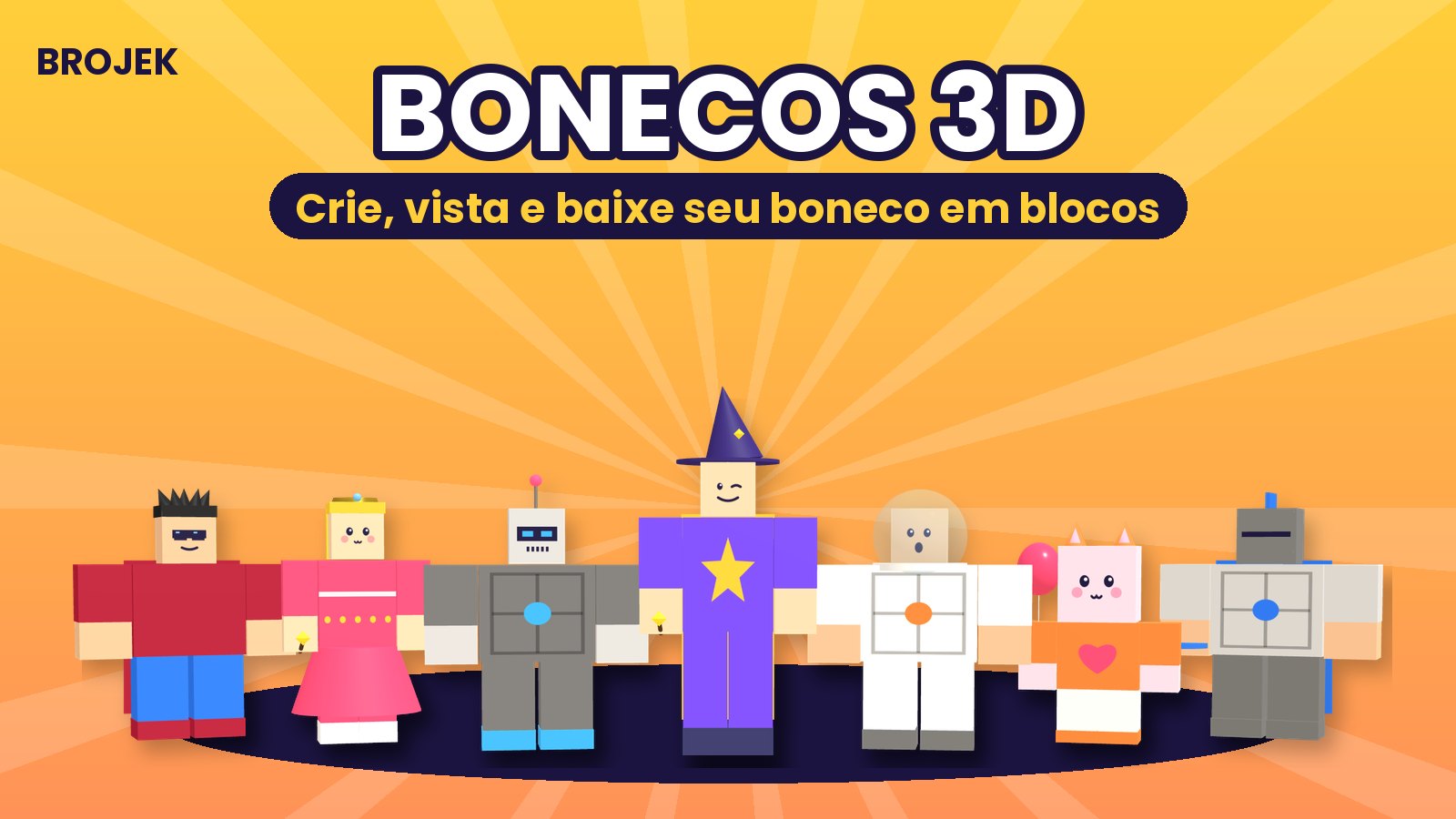 FreeBrojek Bonecos 3DBuild blocky 3D characters: 29 ready styles (ghost, vampire, witch, ninja, robot, princess…), mix-and-match faces, hair, hats, clothes, extr
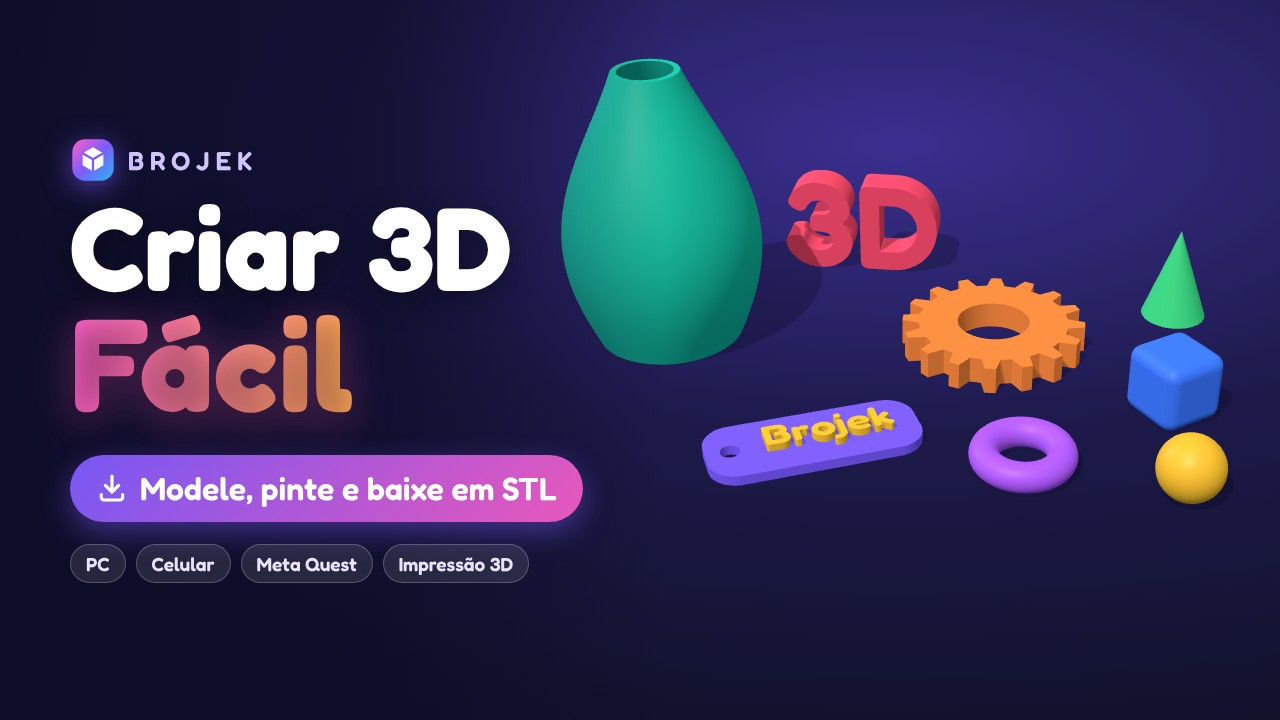 FreeBrojek Criar 3D FácilSuper-easy 3D editor: ready shapes, 72 made-to-measure parts (building bricks, gears, bolts, stairs), push/pull faces, stretch points, colou
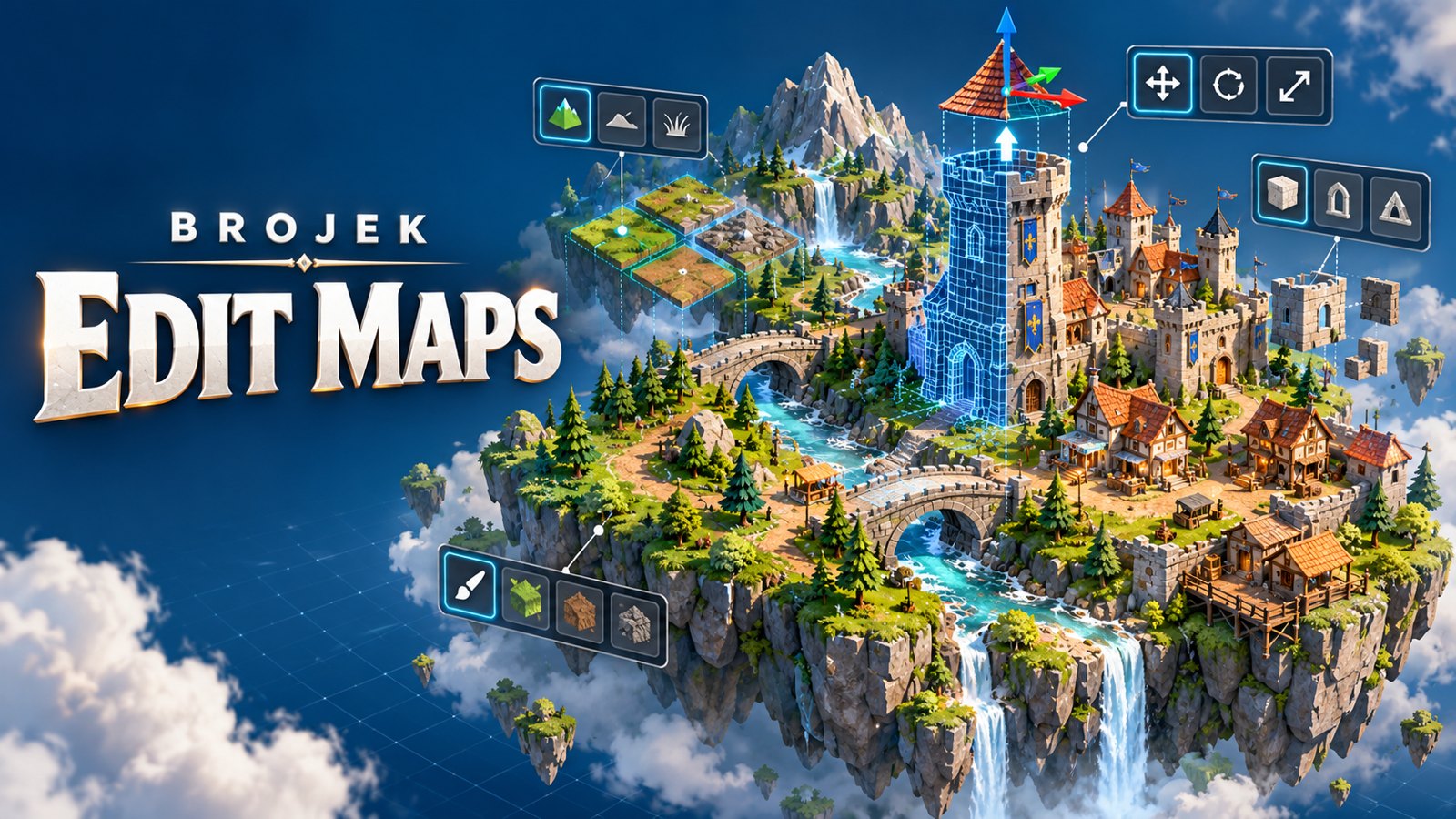 FreeBrojek Edit Maps3D map editor for games: raise hills, dig lakes, paint the ground and drop in ready-made houses, buildings, towers, castles and trees. In VR
FAQ
Is it really free?
Yes. Every Brojek Games game is free — the site is paid for by ads. You pay nothing to play.
Do I need to download or install anything?
No. The game opens right in the browser: go to brojekgames.com and tap Play.
Which devices does it work on?
PC · Phone and tablet