Free online action games on Meta Quest 2
Here are 10 free action games from Brojek Games that work on Meta Quest 2. They all open right in your browser — no download, no install, nothing to pay. Games with an online mode come first.
 FreeBrojek Sinuca MR8-ball pool with real physics: play in your living room in mixed reality, on a VR penthouse, on PC or phone, against the computer or online.
 FreeBrojek TrucoBrazilian Truco (Paulista and Mineiro) in a bar in Rio: 1v1 or in pairs, against the computer or online with friends, on PC, phone and Meta
 FreeBrojek PokerTexas Hold’em poker with play chips: against bots or online with friends in a city penthouse, a mountain lake or a casino — on PC, phone, VR
 FreeBrojek Crazy Football MRCrazy 4-vs-4 football in mixed reality: the stadium appears on your table, with fans, big screen, goal flips and a banner plane.
 Free betaCopa Crazy FootballPick your national team and play the whole World Cup, 11 vs 11, in a packed stadium with referee, big screen and smoke-trail flyovers at eve
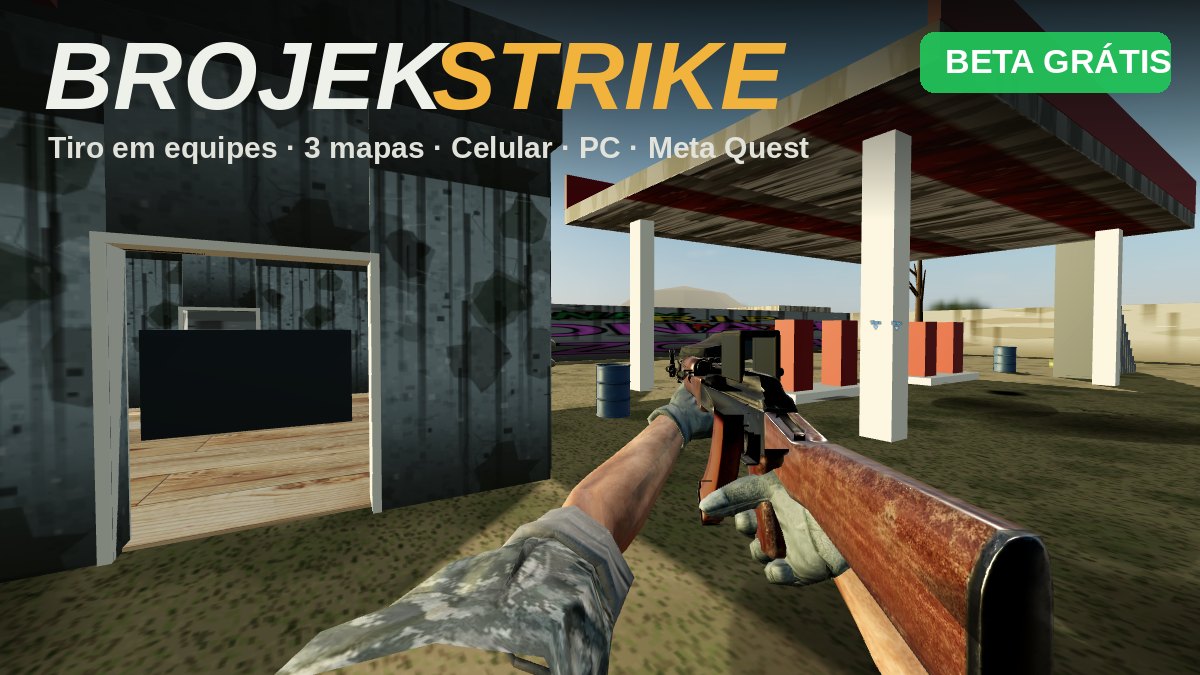 Free betaBrojek Strike5-vs-5 team shooter with realistic soldiers and weapons. Free beta: play on Meta Quest, computer or phone.
 FreeBrojek Ping Pong MRMixed-reality ping pong: the table appears in your real living room and you play the Brojek Bot with the paddle in your hand.
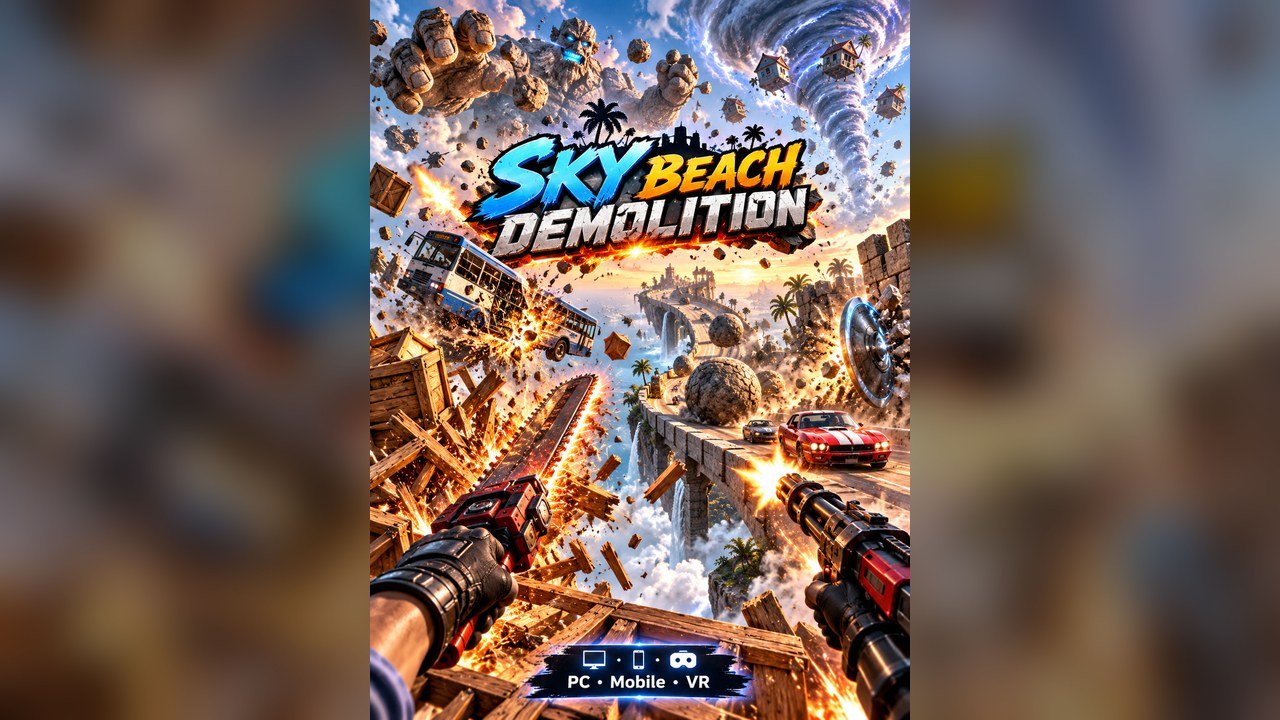 FreeSky Beach DemolitionStand in front of a giant 40-metre stone conveyor and destroy everything it brings: spinning crates, boulders, cars, buses, a stone golem an
 FreeFUT VR 56Cartoon 5-a-side football in virtual reality: pick your team and play in third person against the AI in an Alpine stadium, standing or seate
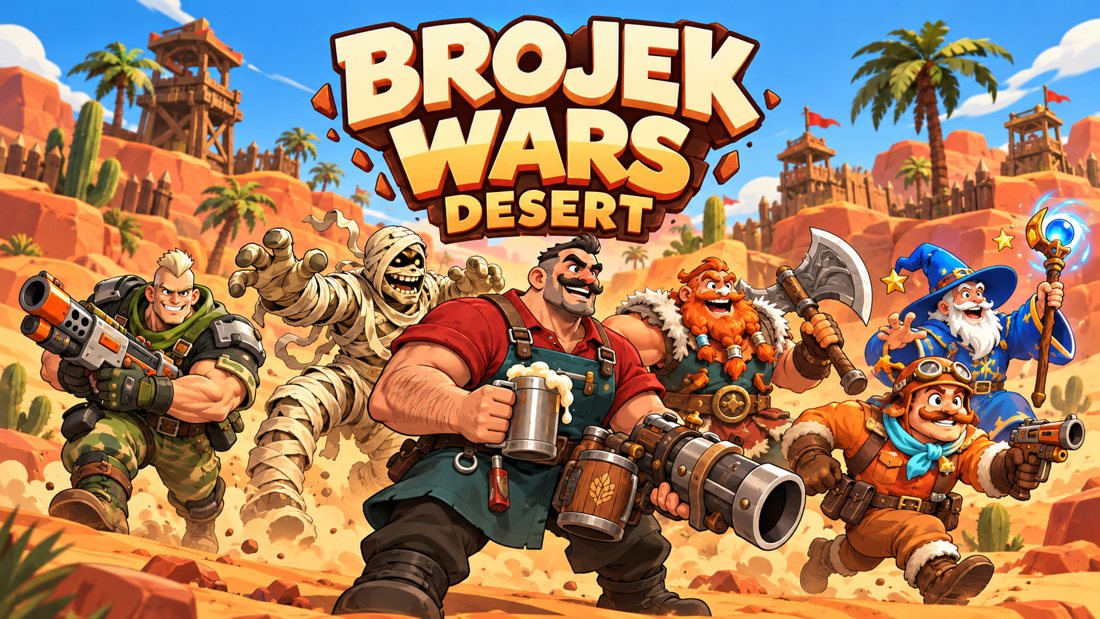 FreeBrojek Wars Desert VRTurn-based desert battles, now in virtual reality: aim with your hand and knock out the enemy heroes.
More free games
Free action games on Meta Quest 2Action games with no download on Meta Quest 2 — freeBest free action games on Meta Quest 2New free action games on Meta Quest 2Free action games on Meta Quest 2 in 2026Meta Quest 3Meta Quest 3SMeta Quest ProPCMacChromebooklaptopsAndroid phonesiPhoneiPadAndroid tablets
How to open and play — Meta Quest 2
Meta Quest 2
- Turn on your Meta Quest and open the Browser app (Meta Quest Browser).
- Go to brojekgames.com and pick Brojek Sinuca MR.
- Tap Play and, when it shows up, press the button to enter VR.
FAQ
Is it really free?
Yes. Every Brojek Games game is free — the site is paid for by ads. You pay nothing to play.
Do I need to download or install anything?
No. The game opens right in the browser: go to brojekgames.com and tap Play.