Free online mixed reality games on Chromebook
Here are 6 free mixed reality games from Brojek Games that work on Chromebook. They all open right in your browser — no download, no install, nothing to pay. Games with an online mode come first.
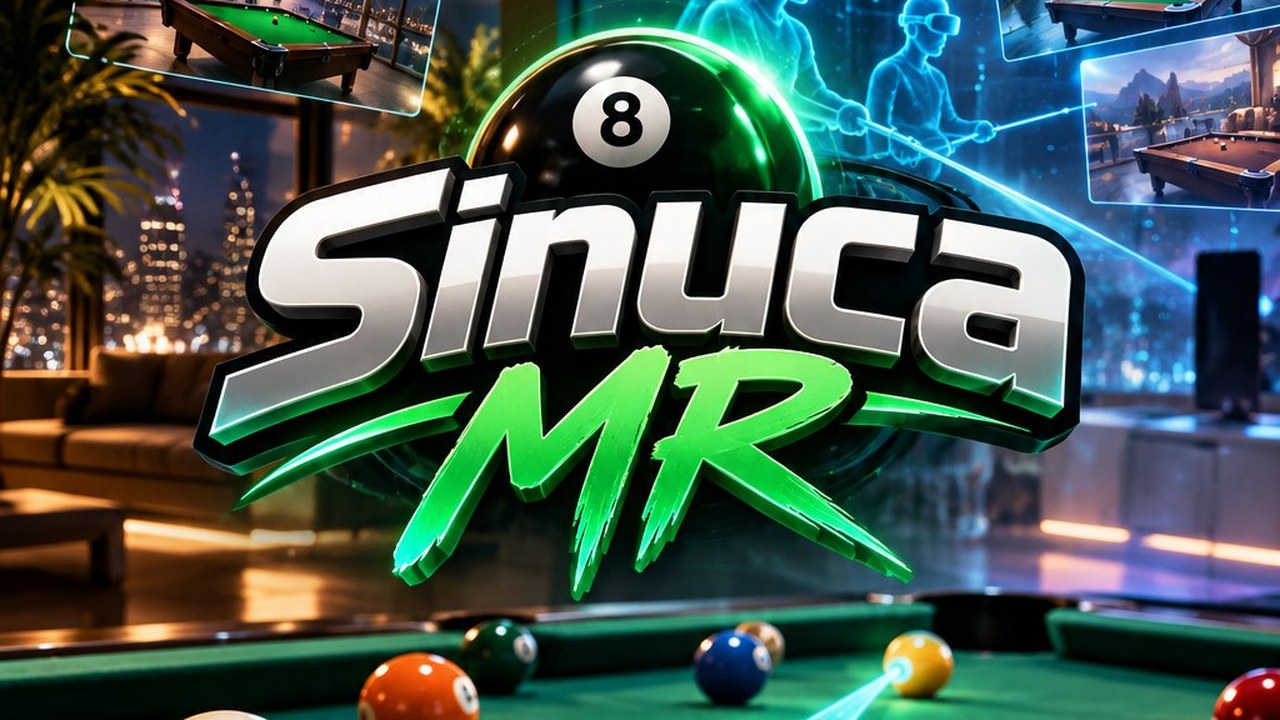 FreeBrojek Sinuca MR8-ball pool with real physics: play in your living room in mixed reality, on a VR penthouse, on PC or phone, against the computer or online.
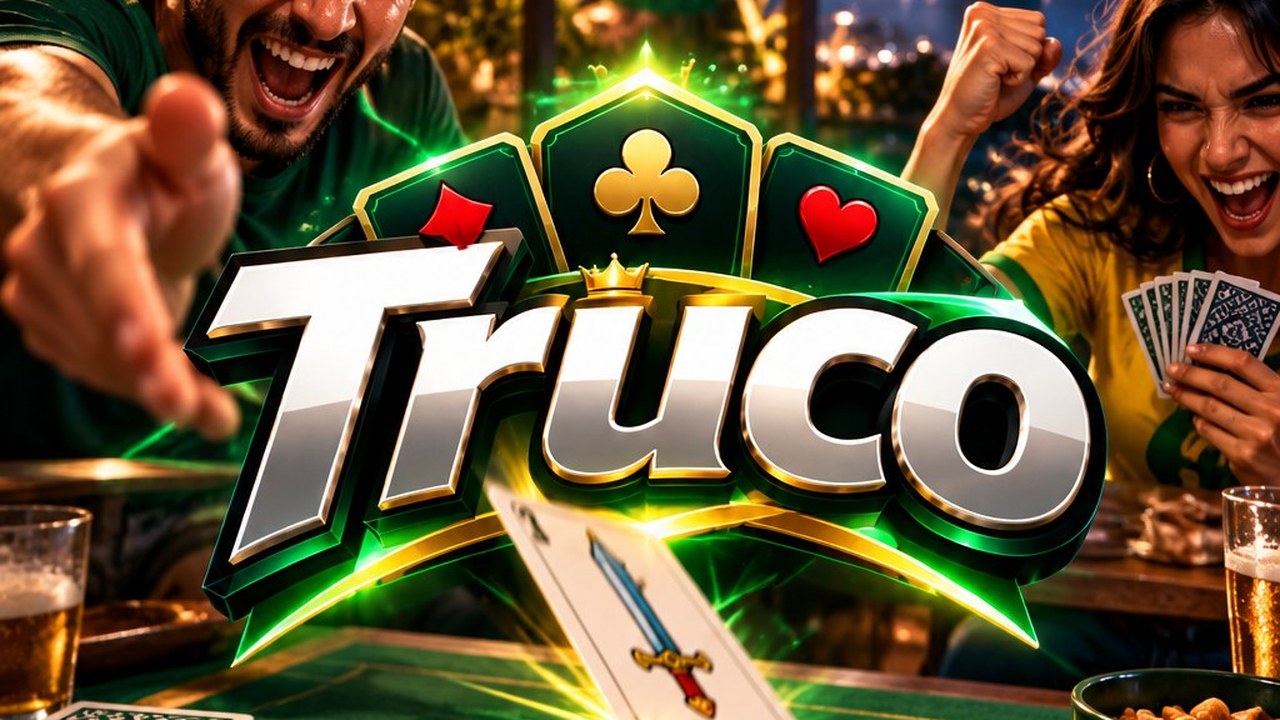 FreeBrojek TrucoBrazilian Truco (Paulista and Mineiro) in a bar in Rio: 1v1 or in pairs, against the computer or online with friends, on PC, phone and Meta
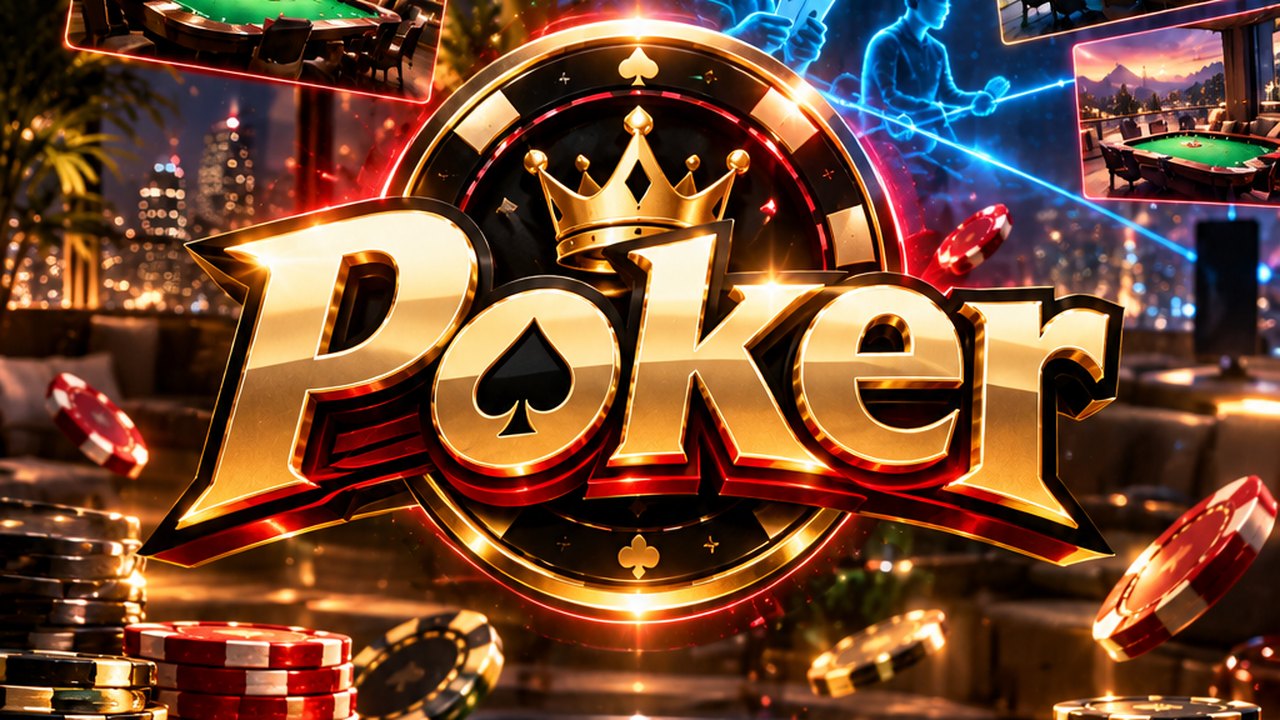 FreeBrojek PokerTexas Hold’em poker with play chips: against bots or online with friends in a city penthouse, a mountain lake or a casino — on PC, phone, VR
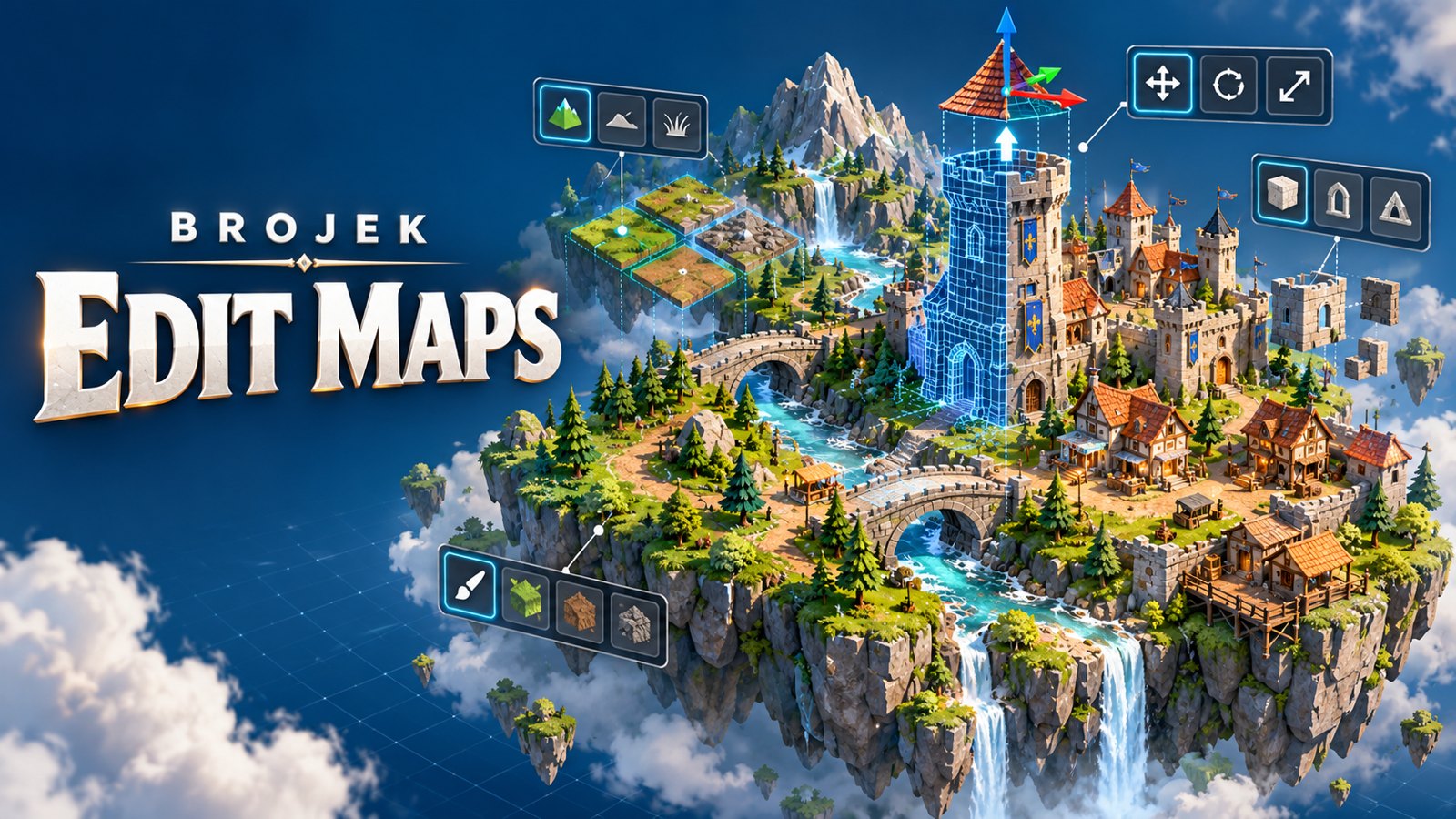 FreeBrojek Edit Maps3D map editor for games: raise hills, dig lakes, paint the ground and drop in ready-made houses, buildings, towers, castles and trees. In VR
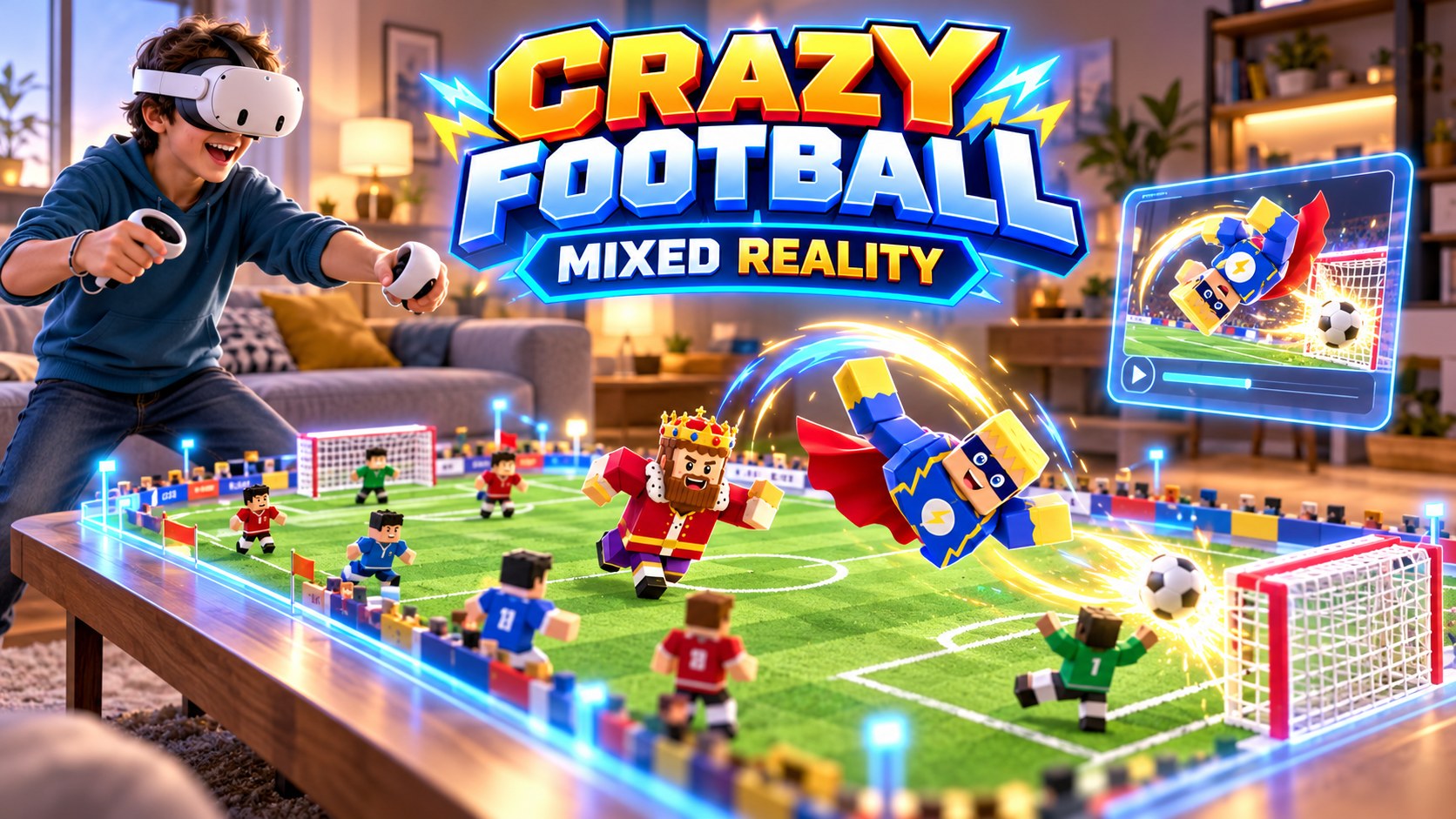 FreeBrojek Crazy Football MRCrazy 4-vs-4 football in mixed reality: the stadium appears on your table, with fans, big screen, goal flips and a banner plane.
 Free betaCopa Crazy FootballPick your national team and play the whole World Cup, 11 vs 11, in a packed stadium with referee, big screen and smoke-trail flyovers at eve
More free games
Free mixed reality games on ChromebookMixed reality games with no download on Chromebook — freeBest free mixed reality games on ChromebookNew free mixed reality games on ChromebookFree mixed reality games on Chromebook in 2026Meta Quest 3Meta Quest 3SMeta Quest 2Meta Quest ProPCMaclaptopsAndroid phonesiPhoneiPadAndroid tablets
How to open and play — Chromebook
Chromebook
- Open Chrome, Edge, Firefox or Safari.
- Go to brojekgames.com and pick Brojek Sinuca MR.
- Click Play and use keyboard and mouse (or a controller, when the game supports it).
FAQ
Is it really free?
Yes. Every Brojek Games game is free — the site is paid for by ads. You pay nothing to play.
Do I need to download or install anything?
No. The game opens right in the browser: go to brojekgames.com and tap Play.