Free online sports games on Meta Quest 3S
Here are 6 free sports games from Brojek Games that work on Meta Quest 3S. They all open right in your browser — no download, no install, nothing to pay. Games with an online mode come first.
 FreeBrojek Sinuca MR8-ball pool with real physics: play in your living room in mixed reality, on a VR penthouse, on PC or phone, against the computer or online.
 FreeBrojek Crazy Football MRCrazy 4-vs-4 football in mixed reality: the stadium appears on your table, with fans, big screen, goal flips and a banner plane.
 Free betaCopa Crazy FootballPick your national team and play the whole World Cup, 11 vs 11, in a packed stadium with referee, big screen and smoke-trail flyovers at eve
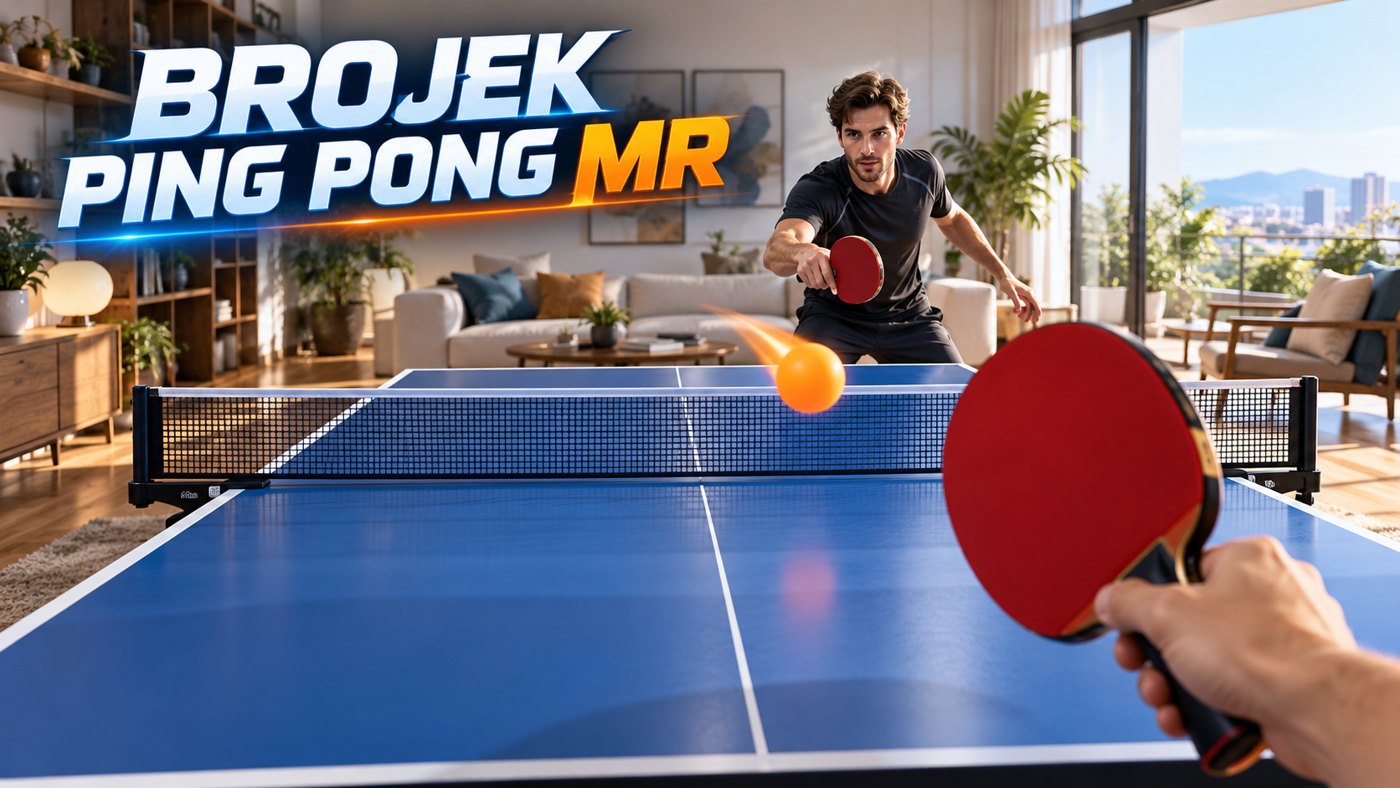 FreeBrojek Ping Pong MRMixed-reality ping pong: the table appears in your real living room and you play the Brojek Bot with the paddle in your hand.
 FreeFUT VR 56Cartoon 5-a-side football in virtual reality: pick your team and play in third person against the AI in an Alpine stadium, standing or seate
 FreeBrojek VR FitnessA 5-minute workout to the beat: smash 40 boxes with energy sticks to unlock battle ropes, a giant crank, a treadmill with obstacles and func
More free games
Free sports games on Meta Quest 3SSports games with no download on Meta Quest 3S — freeBest free sports games on Meta Quest 3SNew free sports games on Meta Quest 3SFree sports games on Meta Quest 3S in 2026Meta Quest 3Meta Quest 2Meta Quest ProPCMacChromebooklaptopsAndroid phonesiPhoneiPadAndroid tablets
How to open and play — Meta Quest 3S
Meta Quest 3S
- Turn on your Meta Quest and open the Browser app (Meta Quest Browser).
- Go to brojekgames.com and pick Brojek Sinuca MR.
- Tap Play and, when it shows up, press the button to enter VR.
FAQ
Is it really free?
Yes. Every Brojek Games game is free — the site is paid for by ads. You pay nothing to play.
Do I need to download or install anything?
No. The game opens right in the browser: go to brojekgames.com and tap Play.