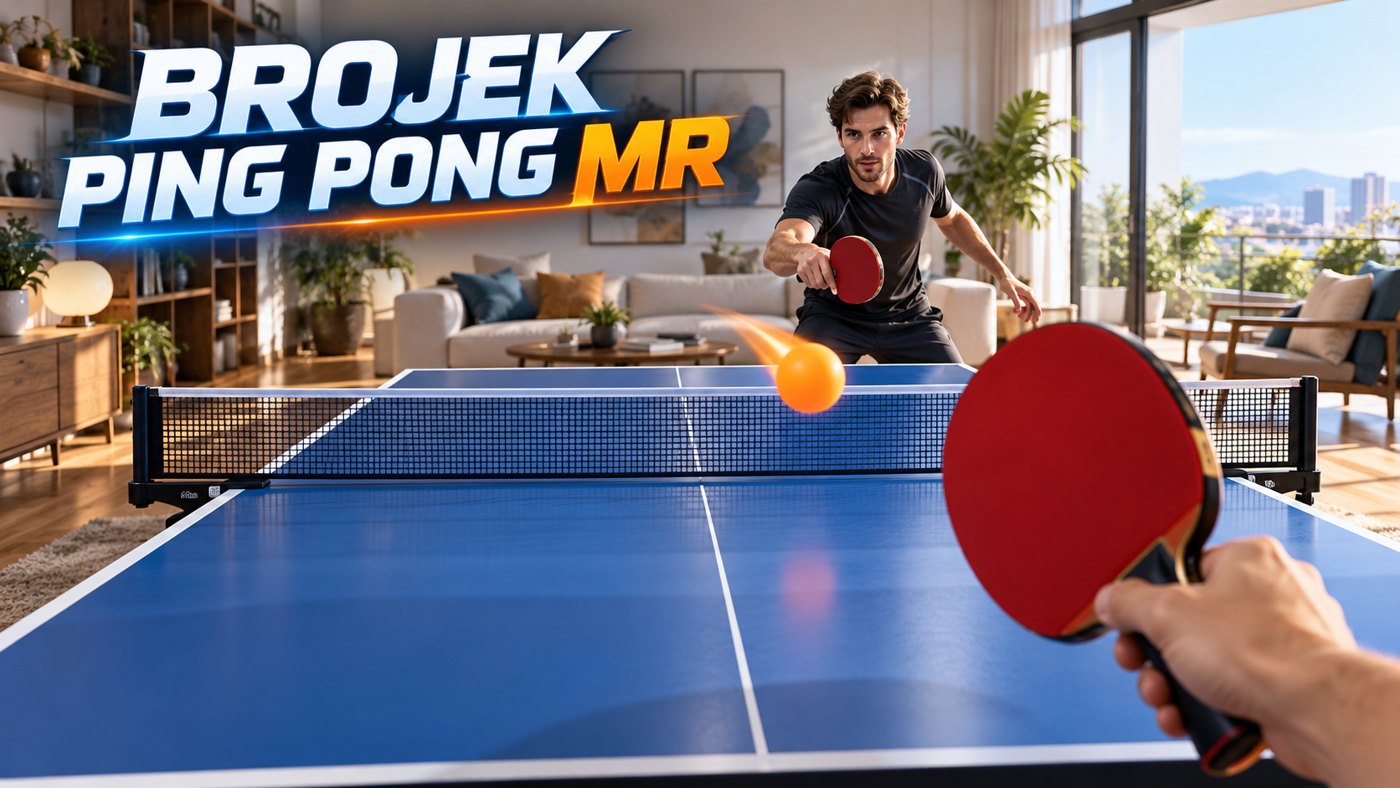
Ping pong em realidade mista: a mesa aparece de verdade na sua sala e você joga contra o Brojek Bot com a raquete na mão.
About the game
Brojek Ping Pong MR puts an official table tennis table in the middle of your living room, using the passthrough of the Meta Quest 3 and 3S. You still see your sofa, walls and floor, but now with a blue table, a net and a ball in front of you. A realistic paddle sits in your hand, and on the other side is Brojek Bot, a friendly-faced opponent who laughs when he wins a point and gets angry when he loses one.
The fun is in the physics: the game reads the speed of your arm, so a fast swing sends the ball hard and a soft touch keeps it short. The paddle rubber adds spin, just like real ping pong. You choose right- or left-handed, the difficulty and the size of the table, and you can practise keep-ups to beat your record. The first time you play, a short tutorial teaches serving and hitting. Without a headset, there is an on-screen version played with the mouse.
How to play
- Open the game in the Meta Quest browser and tap to enter mixed reality.
- Choose right- or left-handed and Brojek Bot's difficulty level.
- Place the table in a clear space: rotate and move it with the left stick and resize it with A and X.
- To serve, press the trigger on your free hand to toss the ball up, then hit it with the paddle.
- Return every shot from the robot until you reach 11 points — or switch to keep-ups mode and chase your record.
Controls
💻 Computer
- Mouse: move the paddle
- Click or Space: swing
- P: pause · R: restart the match
📱 Phone
- The game is made for mixed reality; on a phone, use the on-screen version and drag your finger to move the paddle
- Tap to swing
🥽 Meta Quest (VR)
- Paddle hand: the paddle stays in your hand (right- or left-handed)
- Trigger on the other hand: toss the ball up to serve
- Left stick: rotate and move the table during placement
- A / X: bigger / smaller table · B: reposition the table
- Y or ☰: pause and menu (exit, music, difficulty)
Tips
- Clear at least two metres around you before playing: in ping pong you stretch your arm without noticing.
- Don't smash every ball. Medium shots placed near the edges of the table make the robot miss more.
- Tilt the paddle slightly forward when you hit; that adds topspin and keeps the ball on the table.
- If the ball keeps going over your paddle, shrink the table with X until the height feels right.
- Use keep-ups mode to warm up: it trains the power control you will need in a match.