 Brojek Games VR
Virtual reality games that run in your browser
Play on Meta Quest 3 and 3S, on your computer and on your phone. No download, no install: open the page and play. Every game is 100% free, no sign-up.
Explore games →VR games

Sky Beat 4 PiratesPirate rhythm game in VR: play the barrel drums, slice chests, chains and cannonballs with two cutlasses, and smash brick walls with steel fists.
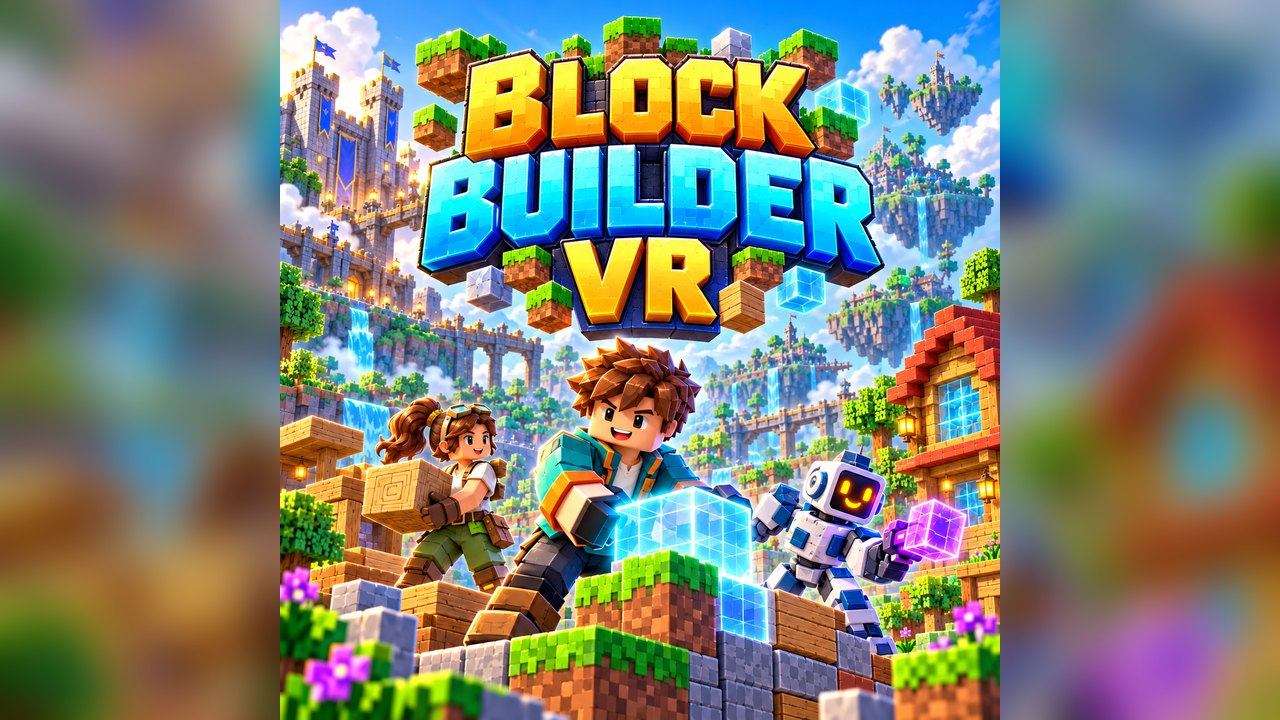
Block Builders VRBuild your own block world in virtual reality, test it with your character in third person and create 5v5 battles on the map you made.
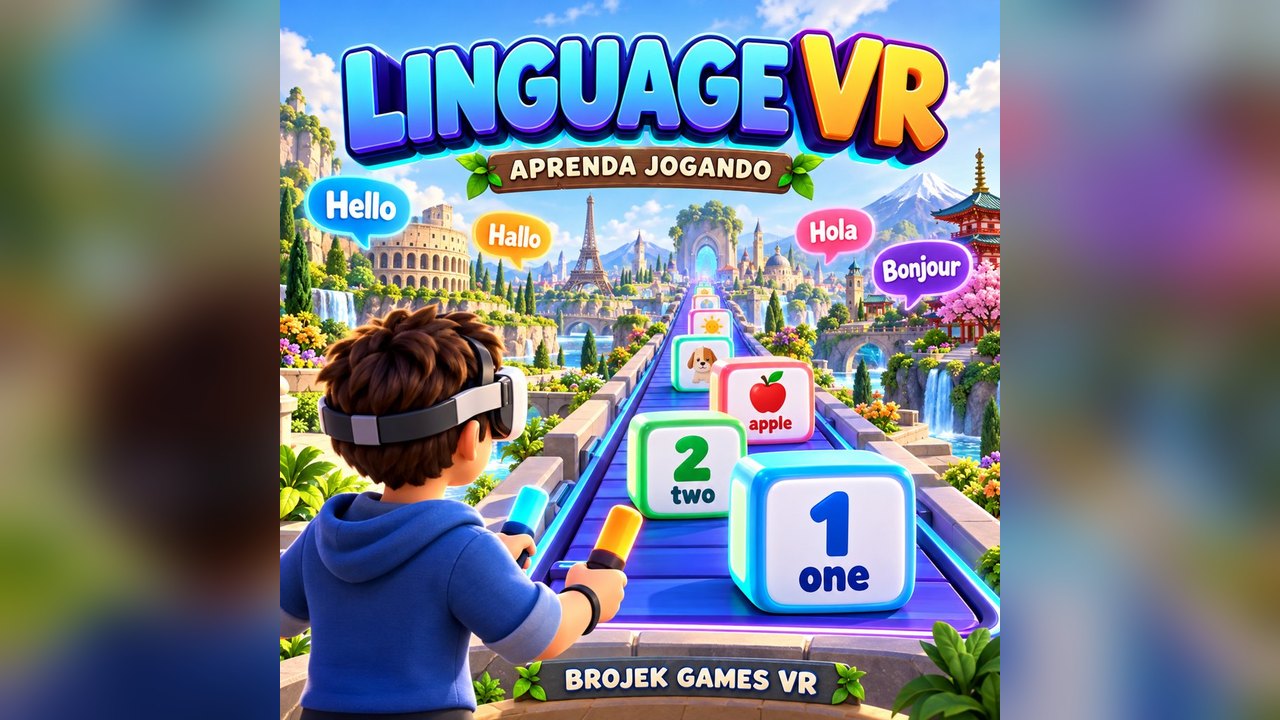
LINGUAGE VRLearn languages in virtual reality: you stand on a slow conveyor belt and words arrive in boxes for you to learn and answer.
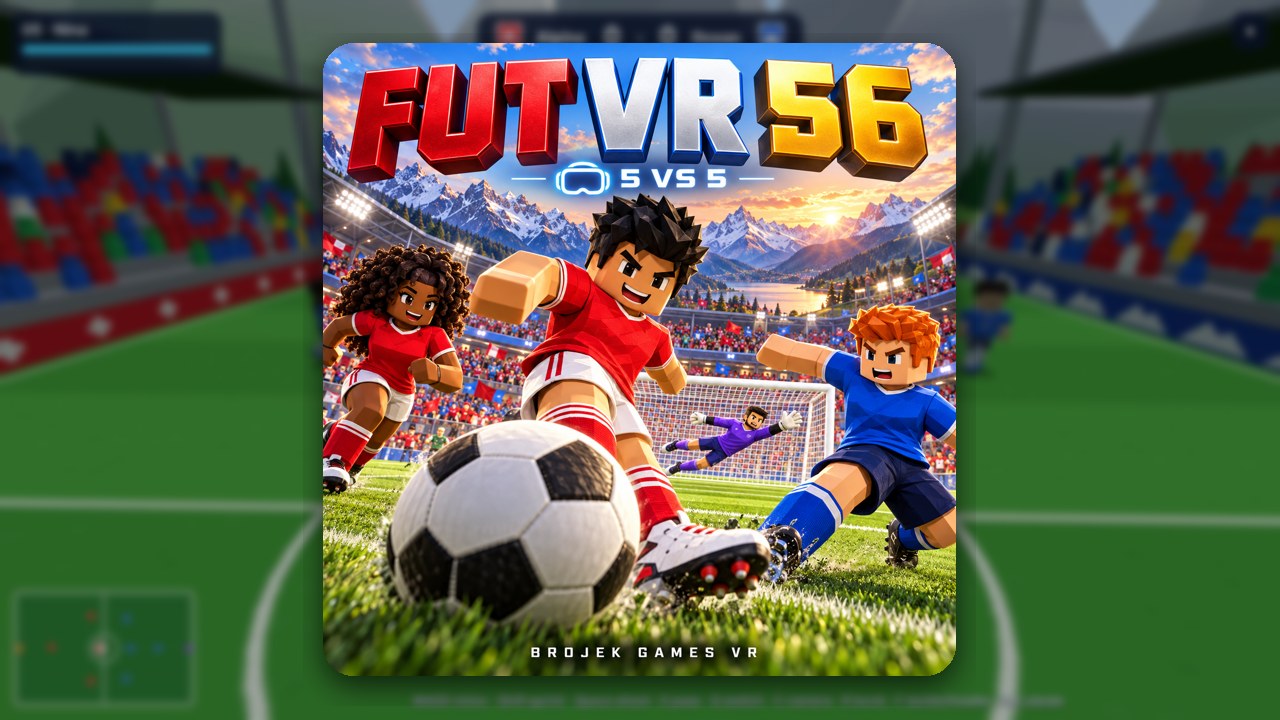
FUT VR 56Cartoon 5-a-side football in virtual reality: pick your team and play in third person against the AI in an Alpine stadium, standing or seated.
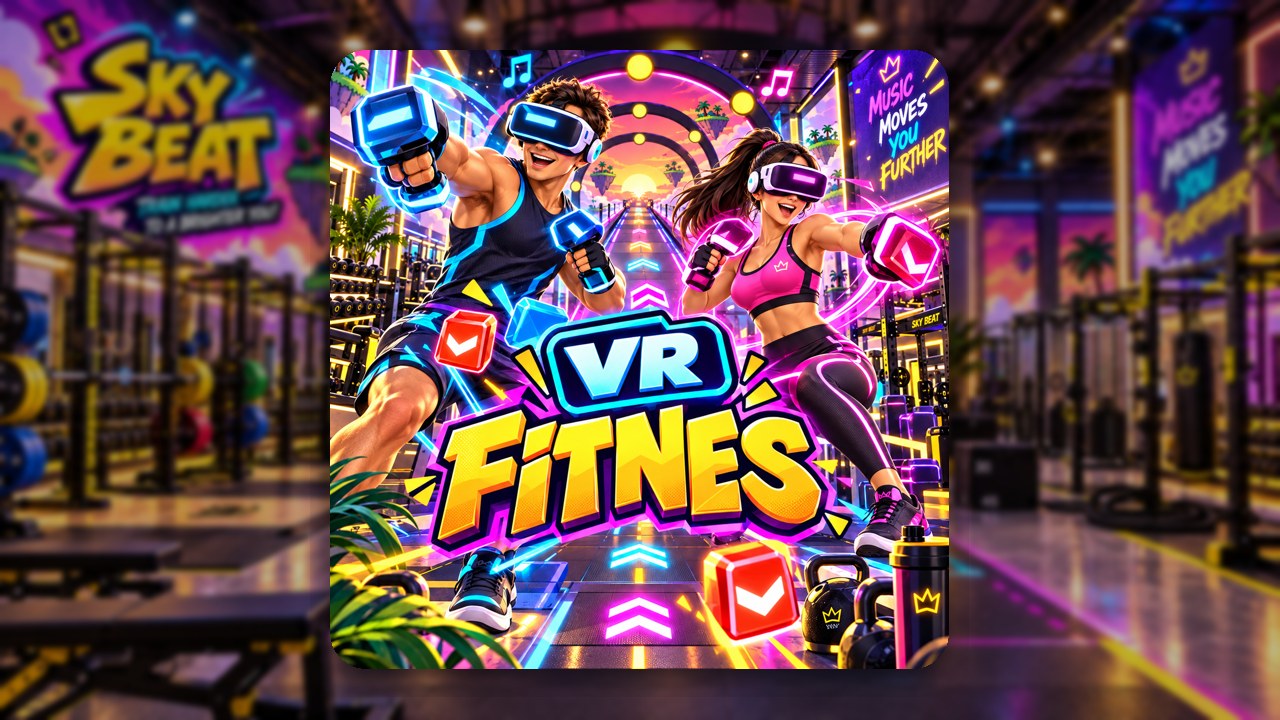
Brojek VR FitnessA 5-minute workout to the beat: smash 40 boxes with energy sticks to unlock battle ropes, a giant crank, a treadmill with obstacles and functional training.

Sky Beat 3 CarsOn top of a race track: slice boxes to the beat with 12 weapons and dodge trucks, buses and Formula 1 cars.
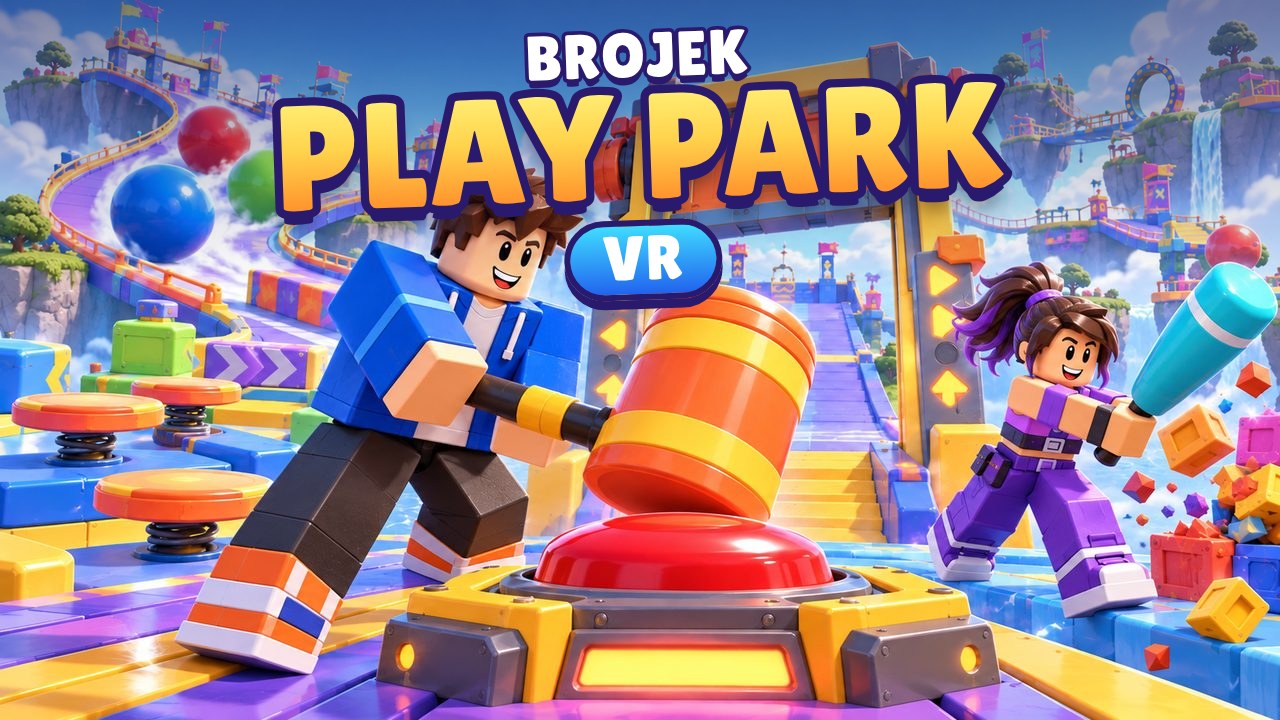
Brojek Play Park VRA VR obstacle course on floating islands: 8 challenges with a giant hammer, huge balls, targets and platforms, plus a shooter arena and a sword rhythm game.
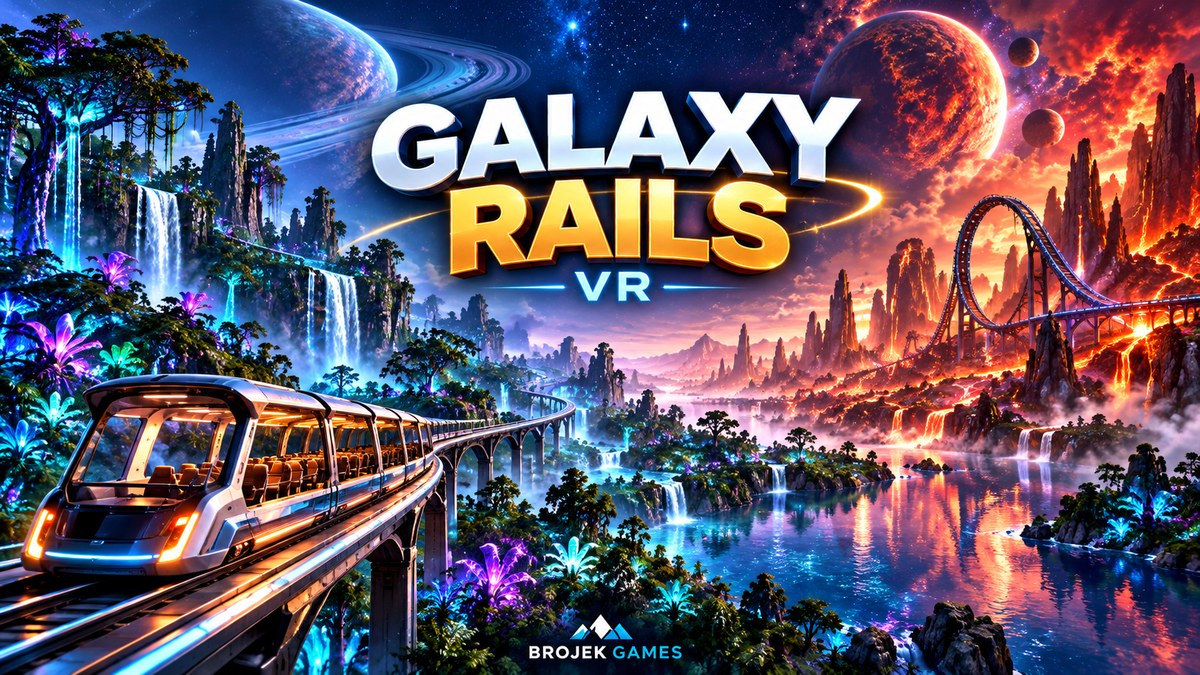
Galaxy Rails VRA giant open-top train crosses 20 planets through portals of light. Or ride 10 roller coasters with loops, rolls and launches.

Sky Beat 221 worlds, 16 songs and boxes that really shatter. Pick a sword, boxing gloves or blasters and power up to Thunder.
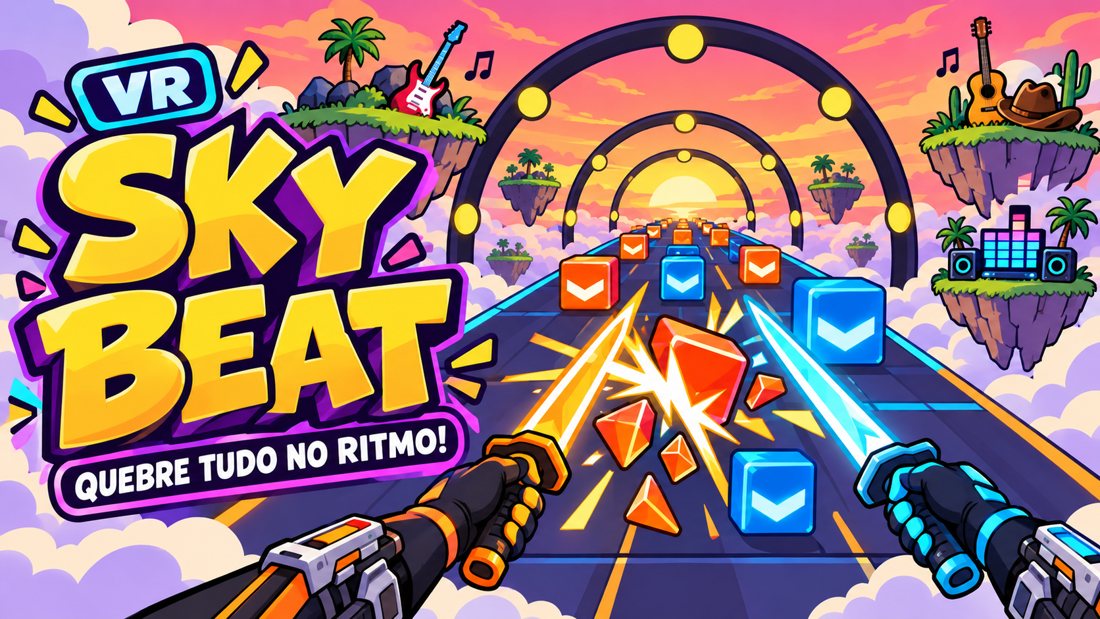
Sky BeatFeel the beat. Slice the crystals with your katanas and explore scenery full of energy.
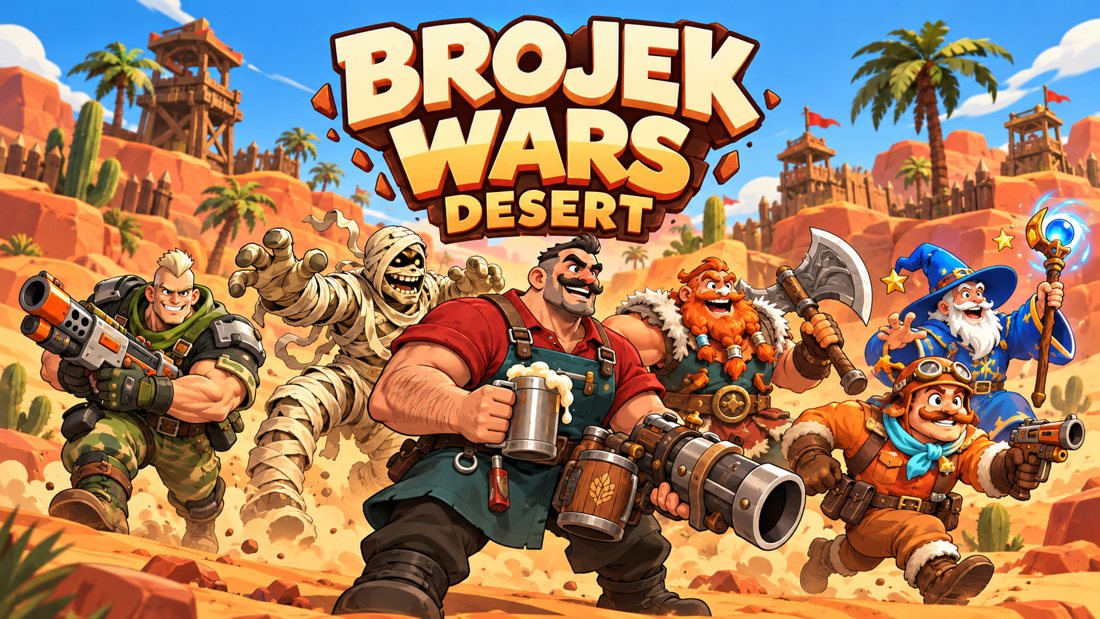
Brojek Wars Desert VRTurn-based desert battles, now in virtual reality: aim with your hand and knock out the enemy heroes.

Brojek Crazy BattleA funny VR battle royale with giant dinosaurs, biting plants and crazy weapons.
How to play
- Open it on your headset · Put on your Meta Quest 3 or 3S, open brojekgames.com in its browser.
- Pick a game · Tap "See game" and then "Play". Every game is free to play.
- Enter the world · In the game menu, press the VR button. Instructions appear inside the game.
All Brojek games are 100% free: no sign-up, no time limit, on Meta Quest, computer and phone. The site is supported by ads.
How to play in VR (Meta Quest)
The games open straight in the headset browser. Nothing to install and no store needed.
- Turn on your headset · Put on your Meta Quest 3, 3S, 2 or Pro and set up your play area (the boundary). Keep the space around you clear.
- Open the browser · In the Quest app bar, open "Browser" and type brojekgames.com. Tip: bookmark the site.
- Pick a game · Point the controller, tap "See game" and then "Play". Every game is free.
- Enter VR · In the game menu, press the "Enter VR" button with the trigger and accept the permission that pops up. Done: you are inside the game.
- Use the controllers · Trigger (index finger): shoot, grab and pick in menus. Grip (middle finger): hold and grab. Left stick moves, right stick turns. A, B, X and Y: jump, crouch and menu. Every game shows its buttons on the first screen.
- To leave · Press the Meta button (the logo on the right controller) to go back to the browser. To continue, tap "Enter VR" again.
- No VR button? Use the Meta browser, update your Quest and reload the page.
- Black screen or frozen? Press the Meta button, close the tab and open the game again.
- Feeling motion sick? Use snap turning with the right stick, play seated when the game allows it and take breaks.
Guides
- VR games you can play in the browser on Meta Quest 3 and 3S
Five virtual reality games that open straight in the Meta Quest browser, on PC and on phone. No install, no store, 100% free. - How to play VR games in the Meta Quest browser
Learn how to open WebXR games in the Meta Quest 3 or 3S browser, enter full VR and fix the most common problems. - A VR roller coaster that runs in your browser
Ride 10 themed VR roller coasters with loops, rolls and launches up to 119 km/h, right in the browser. Plus a calm train ride across 20 alien planets. - VR rhythm games you can play in the browser
Play rhythm games in virtual reality without installing anything: Sky Beat 2 and Sky Beat run in the Meta Quest browser, on PC and on phone.