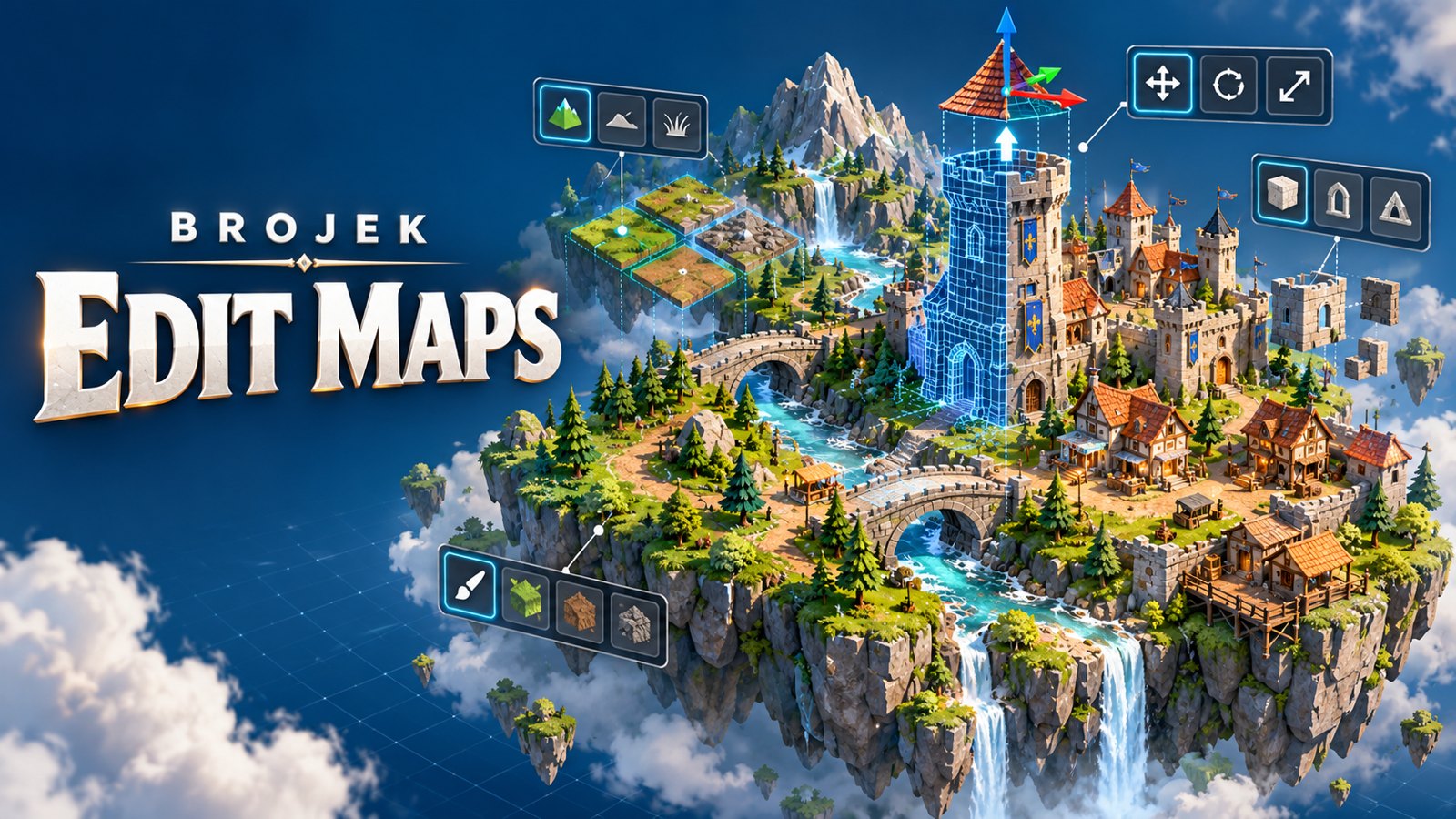
3D map editor for games: raise hills, dig lakes, paint the ground and drop in ready-made houses, buildings, towers, castles and trees. In VR, mixed reality or on screen.
About the game
Brojek Edit Maps is a 3D map editor for anyone who wants to create game levels without installing anything. You start with a 100 × 100 metre terrain and shape it with brushes: raise hills, carve valleys, smooth, flatten and paint the ground with grass, dirt, sand, rock, snow or road. Turn on water and the hollows become lakes and sea. Then decorate with 64 ready-made items — houses, a two-storey home, a shop, buildings, a skyscraper, a warehouse, towers, walls, castles, a fortress, ruins, a lighthouse, bridges, trees, palm trees, flowers and rocks.
If you want more control, the editor also lets you draw by hand like an architecture tool: walls with real measurements, boxes, floors, cylinders, doors, windows and a TV panel, with push/pull faces and 25 textures. On Meta Quest the menu sits on your left hand while the right hand builds; in mixed reality the map becomes a scale model on your table. When you're done, download the map as a .zip with the 3D model in GLB format to open in Blender, Unity or your own game.
How to play
- Open Edit Maps on screen or on Meta Quest (VR or mixed reality).
- Choose the terrain tool and shape the land: raise, lower, smooth and flatten.
- Paint the ground with textures and turn on water to form lakes and sea.
- Open the library and place houses, castles, trees and bridges; grab each item to move and rotate it.
- Check the map, undo/redo if needed and download the .zip with the GLB file.
Controls
💻 Computer
- Click: use the selected tool
- Right button / mouse wheel: rotate the view / zoom
- Type + Enter: exact measurement (e.g. 3.5 · 350cm · 4;3)
- Ctrl+Z / Ctrl+Y: undo / redo
📱 Phone
- Tap: use the tool
- One-finger drag: rotate the view · pinch: zoom
- Large on-screen menus to switch tools and items
🥽 Meta Quest (VR)
- Left-hand menu: tools, items, terrain, textures, object, options and EXIT
- Right trigger: use the tool (hold for the terrain brush)
- Right grip: grab an object and move or rotate it with your hand
- Sticks: walk, turn, go up and down
- A / B / X: finish · undo · redo · Y: hide the menu (hold to exit)
Tips
- Shape the terrain and water first; changing the ground after placing buildings takes much more work.
- Use painted road as a guide to line up houses and create streets that make sense for players.
- In mixed reality, look at the map as a model on your table to check the scale of everything.
- For exact walls and floors, type the measurement and press Enter instead of dragging by eye.
- Before taking it to Unity, download a test version and open it in Blender to check scale and textures.