Adventure games with no download on Chromebook — free
Here are 6 free adventure games from Brojek Games that work on Chromebook. They all open right in your browser — no download, no install, nothing to pay. Nothing to install: just open and play.
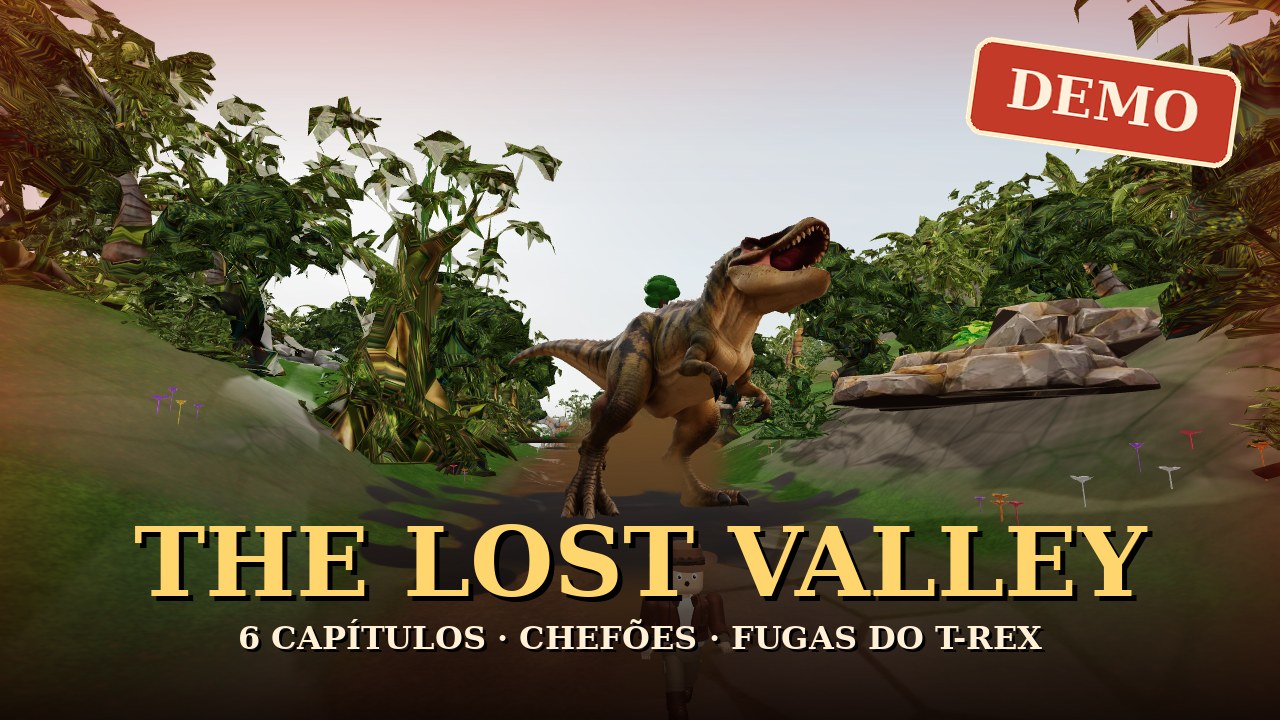 Free demoThe Lost Valley (DEMO)Free demo — Indiana Jones-style 3D adventure with dinosaurs: open valley, mine-cart track and 6 chapters with bosses and T-Rex escapes.
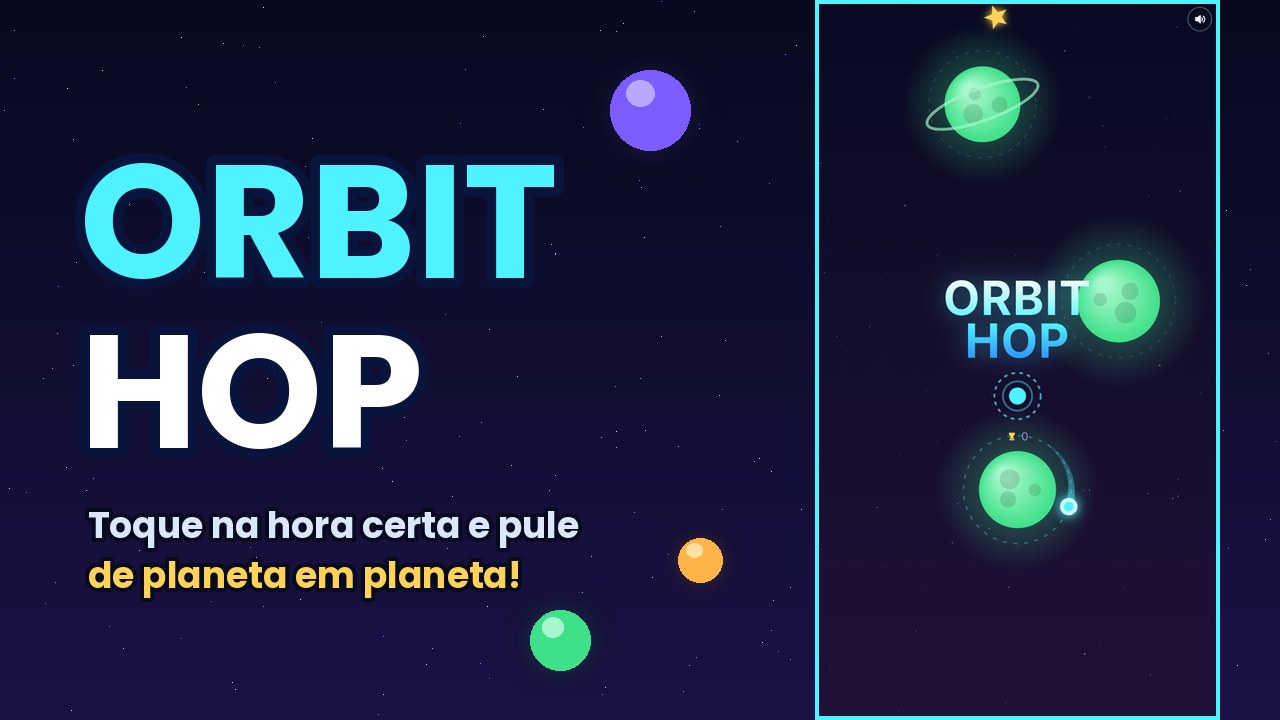 FreeOrbit HopOne-tap space game: launch the ball at the right moment and hop from planet to planet.
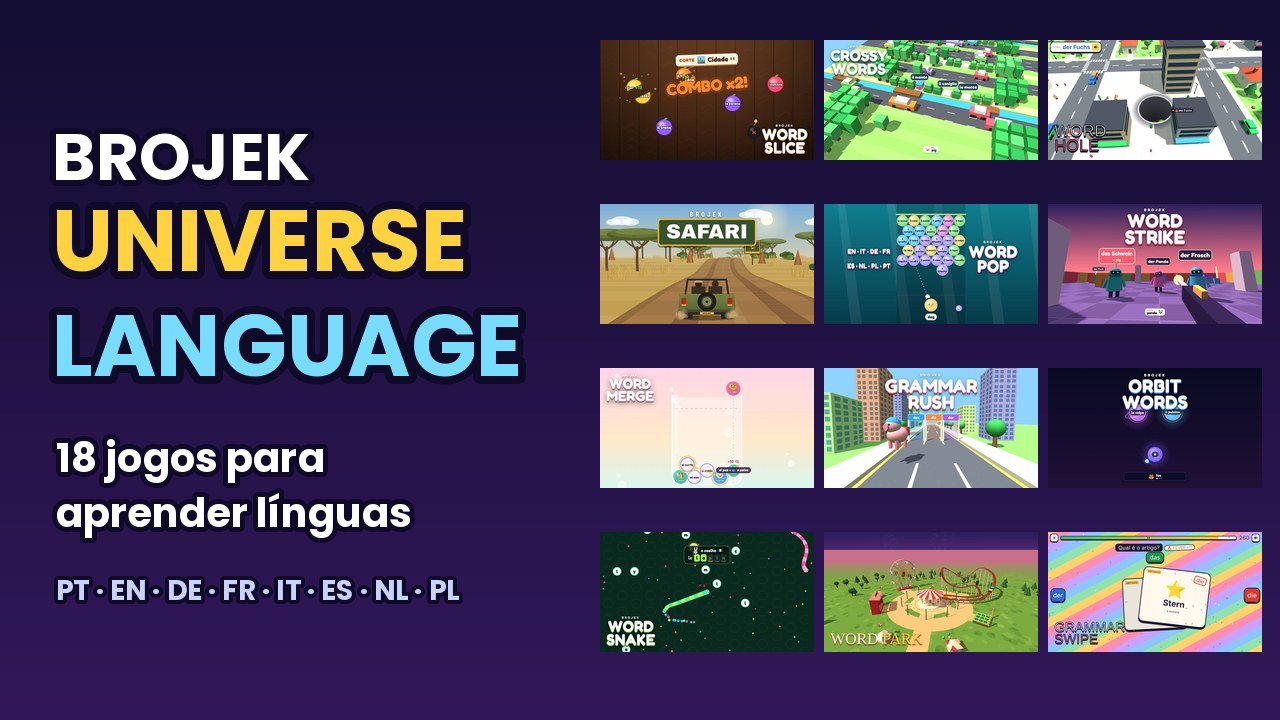 FreeBrojek Universe Language18 games to learn languages by playing: pick the language you speak and the one you want to learn (PT, EN, DE, FR, IT, ES, NL, PL).
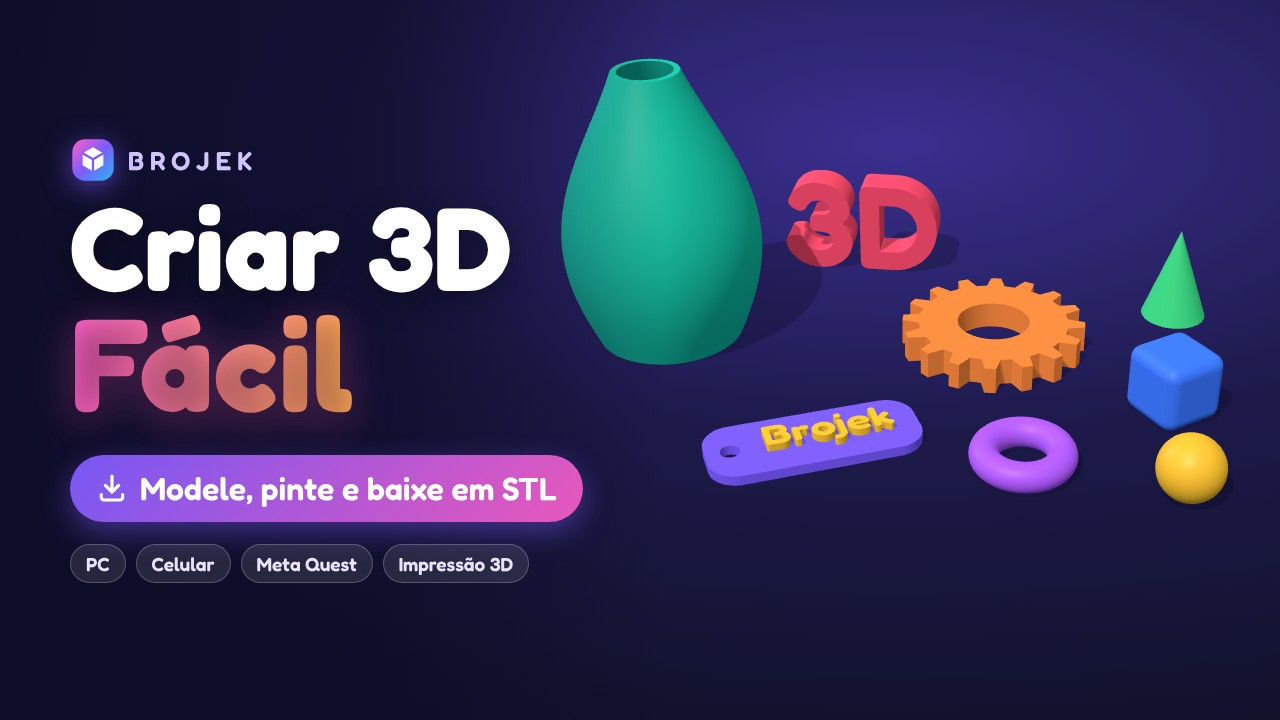 FreeBrojek Criar 3D FácilSuper-easy 3D editor: ready shapes, 72 made-to-measure parts (building bricks, gears, bolts, stairs), push/pull faces, stretch points, colou
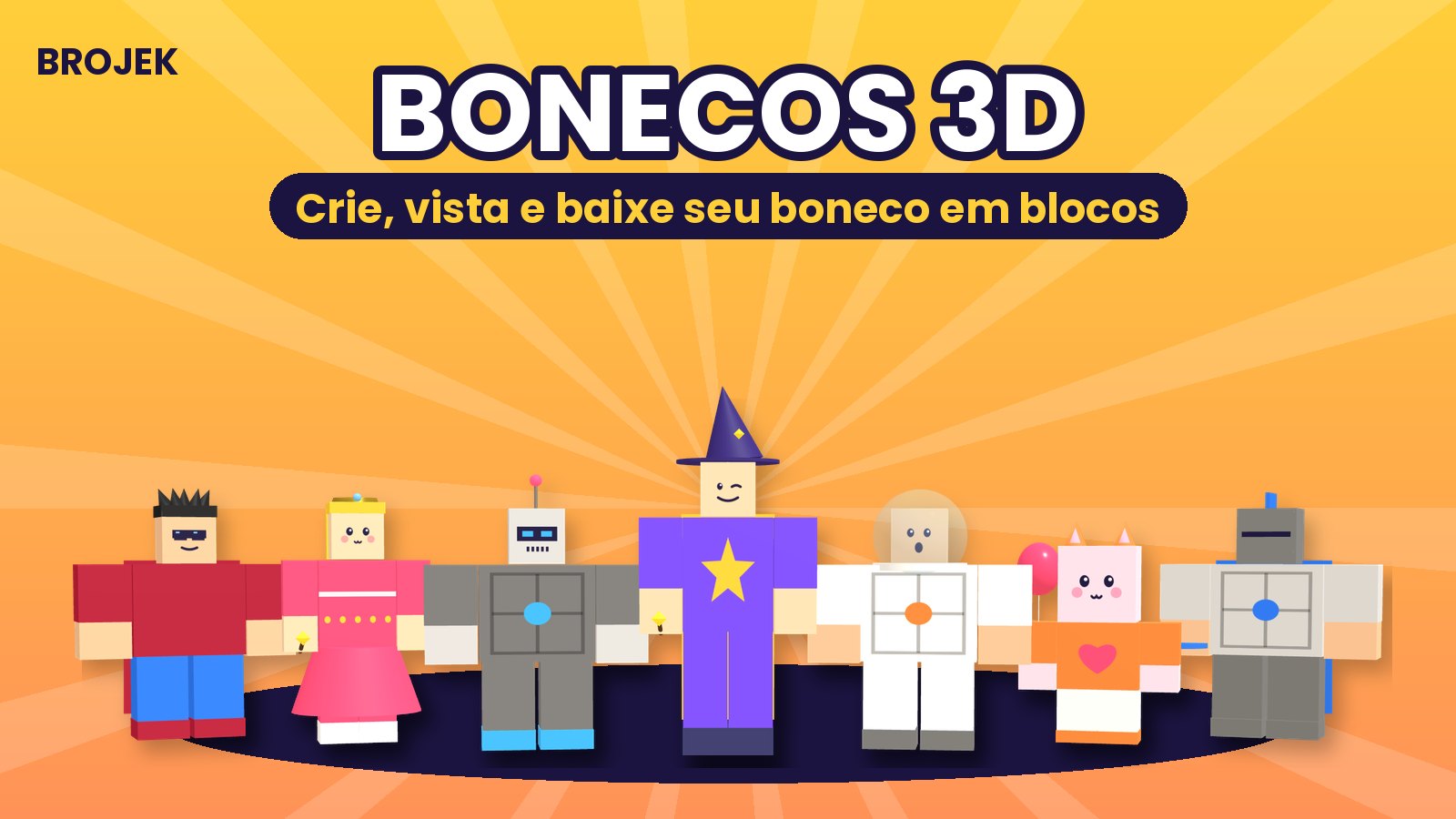 FreeBrojek Bonecos 3DBuild blocky 3D characters: 29 ready styles (ghost, vampire, witch, ninja, robot, princess…), mix-and-match faces, hair, hats, clothes, extr
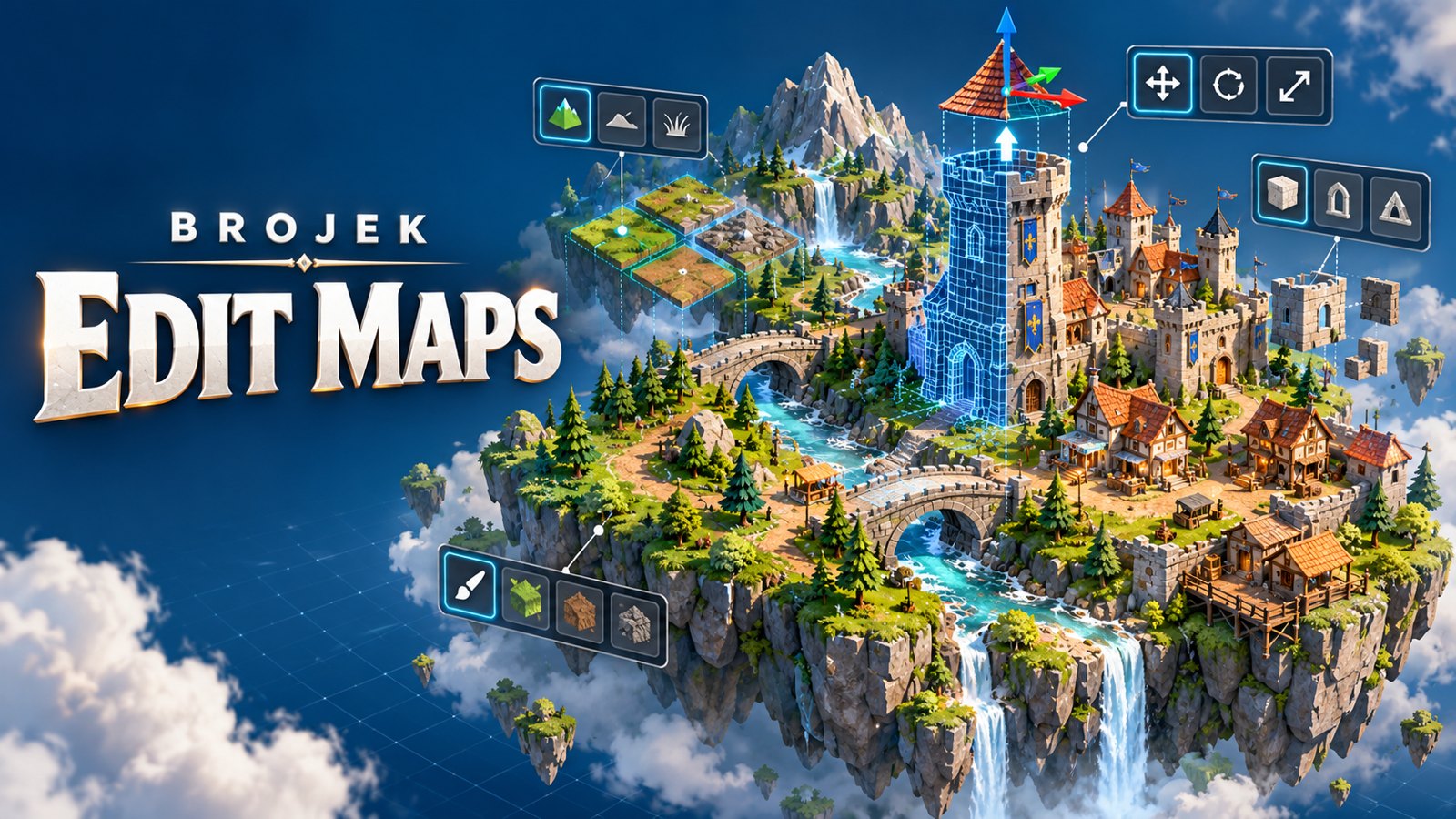 FreeBrojek Edit Maps3D map editor for games: raise hills, dig lakes, paint the ground and drop in ready-made houses, buildings, towers, castles and trees. In VR
More free games
Free adventure games on ChromebookBest free adventure games on ChromebookNew free adventure games on ChromebookFree adventure games on Chromebook in 2026Meta Quest 3Meta Quest 3SMeta Quest 2Meta Quest ProPCMaclaptopsAndroid phonesiPhoneiPadAndroid tablets
How to open and play — Chromebook
Chromebook
- Open Chrome, Edge, Firefox or Safari.
- Go to brojekgames.com and pick The Lost Valley (DEMO).
- Click Play and use keyboard and mouse (or a controller, when the game supports it).
FAQ
Is it really free?
Yes. Every Brojek Games game is free — the site is paid for by ads. You pay nothing to play.
Do I need to download or install anything?
No. The game opens right in the browser: go to brojekgames.com and tap Play.