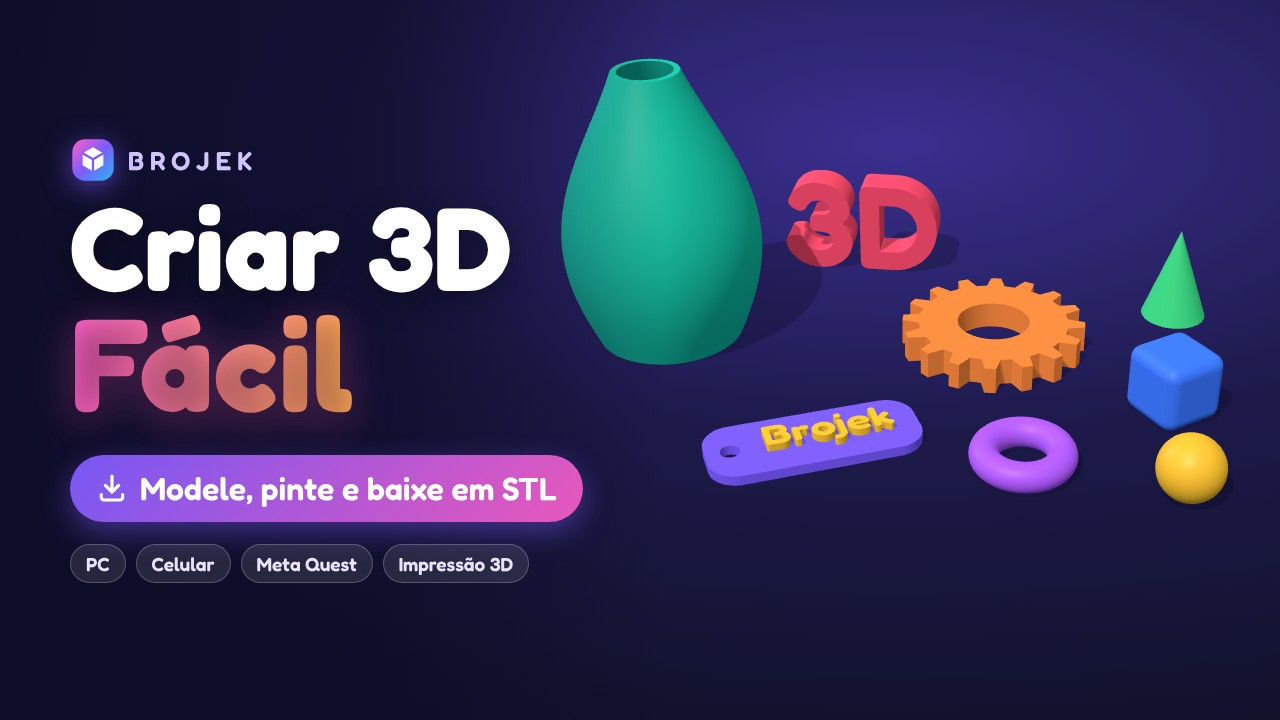
Super-easy 3D editor: ready shapes, 72 made-to-measure parts (building bricks, gears, bolts, stairs), push/pull faces, stretch points, colours and download as STL, 3MF, OBJ, GLB or PLY.
About the game
Brojek Criar 3D Fácil (Easy 3D Maker) is a lightweight 3D editor that runs in the browser, made for people who have never modelled anything. The idea is similar to SketchUp, only simpler: you start with a ready shape — a cube, a cylinder or one of 72 parts made to measure, such as building blocks, plates, gears, a bolt and nut, a hinge, a vase, a keychain, a die, stairs and a wall with a door and window — and change the dimensions whenever you like, in millimetres.
You can also draw lines, rectangles, circles and curves on the ground or on top of a part and pull them up to add height. Select a point, an edge or a face and stretch it freely, guided by the coloured axis lines. Combine parts, cut one with another and paint each piece. When you're done, download in STL or 3MF for your 3D printer, or in OBJ, GLB and PLY for Blender, Unity or a game. On Meta Quest you can even see the part at real size, in front of you or on your table.
How to play
- Open Easy 3D Maker and choose a ready part or a basic shape.
- Adjust the dimensions by typing the value in millimetres and pressing Enter.
- Draw a rectangle or circle on top of the part and pull it to make a hole or a raised area.
- Add more parts, paint each piece and check everything by rotating the view.
- Download in STL or 3MF to print, or in GLB/OBJ for software and games.
Controls
💻 Computer
- Click: choose and use the tool
- Double-click a part: edit points (stretch)
- Drag / right button: rotate the view · Shift: pan
- Mouse wheel: zoom · Type + Enter: exact size in mm
- Ctrl+Z / Ctrl+Y: undo / redo
📱 Phone
- Tap: choose and use the tool
- One-finger drag: rotate the view
- Pinch: zoom
- Phone keyboard to type measurements
🥽 Meta Quest (VR)
- 'View in VR' or 'View in room' buttons show the part at real size
- Grip or hand pinch: grab, move and rotate the part
- Editing happens on screen; on Quest you check the real size
Tips
- For 3D printing, keep walls at least 1.2 mm thick; very thin parts break or don't print at all.
- Use the made-to-measure parts (gear, bolt, hinge) instead of drawing from scratch: they come with correct fittings.
- Before downloading, rotate the part all the way round: a forgotten hole is easy to spot from below.
- Choose STL for the printer and GLB when the part goes into a game — GLB keeps the colours.
- Check on Meta Quest whether a keychain or holder is the right size for your hand before using filament.