 Brojek Games VR
Home › Guides · Updated 2026-10-13
How to play VR games in the Meta Quest browser
WebXR games run inside the Meta Quest Browser and switch to full virtual reality with one tap. This guide shows the exact steps on Meta Quest 3 and 3S, plus quick fixes when something does not work.
Step by step
- Put on your headset and open the Browser app from the app library.
- Type brojekgames.com in the address bar, or open a link someone sent you.
- Pick a game and sign in with your Google account (you only do this once).
- Press the Play in VR button. The headset asks to enter immersive mode: accept it.
- Use the controllers as shown in the game. To leave, press the Meta button or the in-game menu button.
Tips for the best experience
- Clear some space around you and set up your Guardian boundary before you start.
- Fully charge the controllers: low batteries cause jumpy tracking.
- Use a good Wi-Fi connection the first time, so the scenery loads quickly.
- If you feel motion sickness, start with calm modes such as the train in Galaxy Rails.
Common problems and fixes
- No Play in VR button: make sure you are using the Meta Quest Browser, not a video app, and that the page has finished loading.
- Black screen after entering VR: wait a few seconds for the scene to load, or exit and press the button again.
- Sound is missing: tap the page once before entering VR, since browsers only play sound after a tap.
- The game feels slow: close other browser tabs and restart the browser.
Can I play the same games without a headset?
Yes. The same link works on a computer with mouse and keyboard, and on phones with touch controls. It is a good way to try a game before putting on the headset, or to keep playing when you are away from it.
Games in this guide
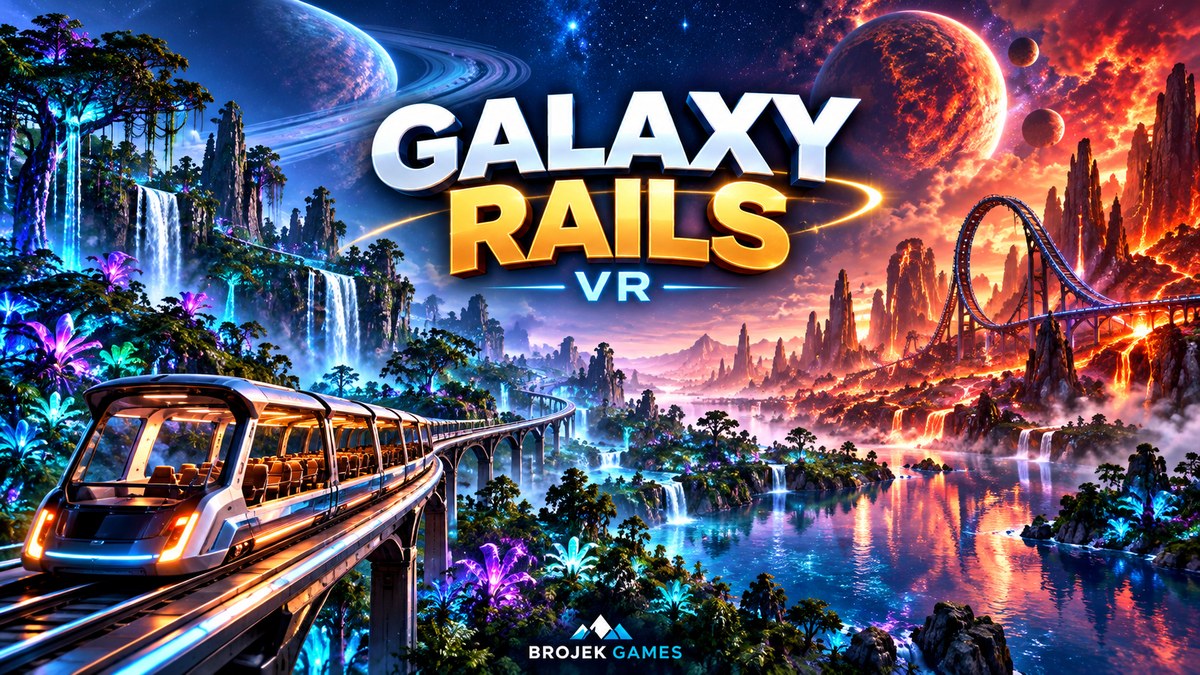
Galaxy Rails VRA giant open-top train crosses 20 planets through portals of light. Or ride 10 roller coasters with loops, rolls and launches.
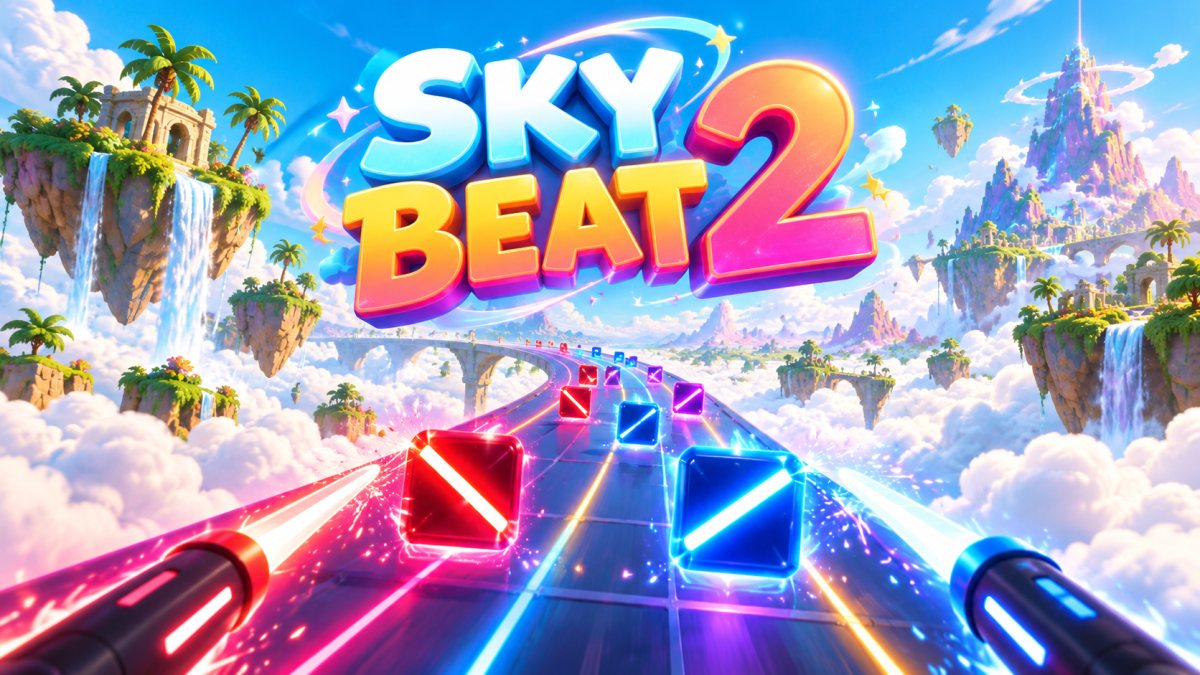
Sky Beat 221 worlds, 16 songs and boxes that really shatter. Pick a sword, boxing gloves or blasters and power up to Thunder.
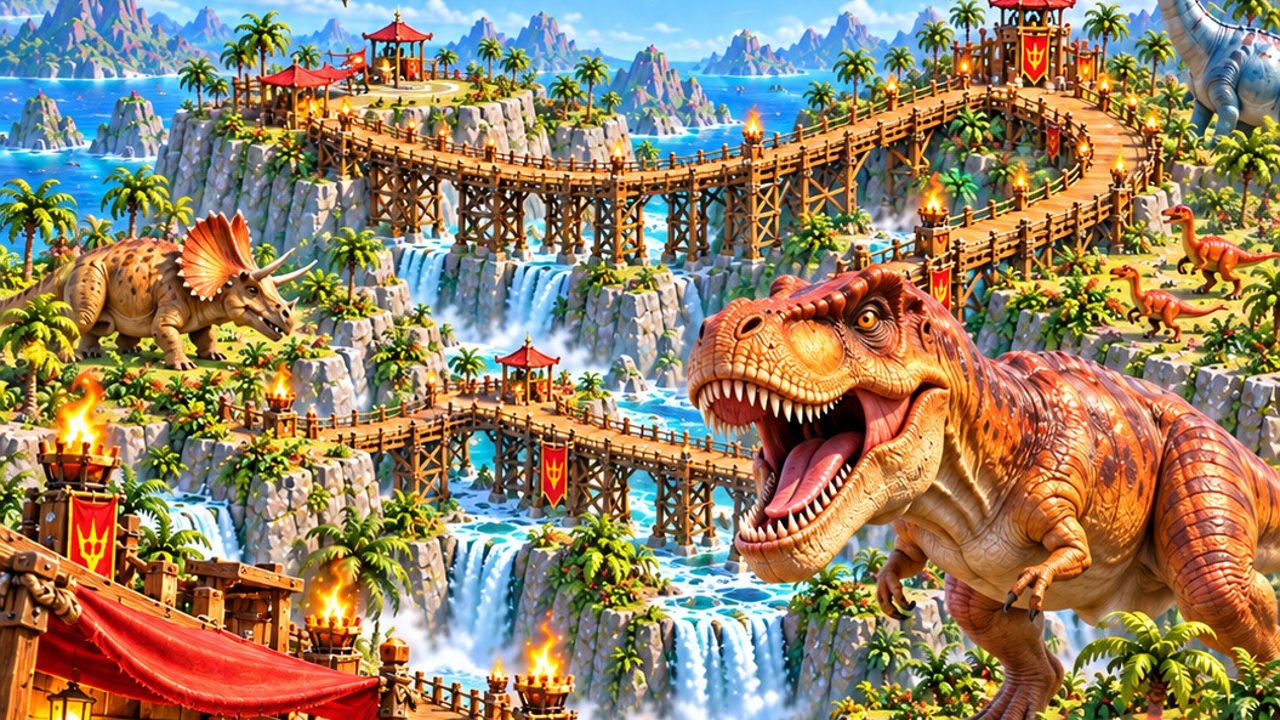
Dinosaur BridgeCross a 1 km old bridge with dinosaur herds, a giant T-Rex, a crossbow, vases and surprise crates to smash.