Brojek Games VR
Home › Guides · Updated 2026-10-13
A VR roller coaster that runs in your browser
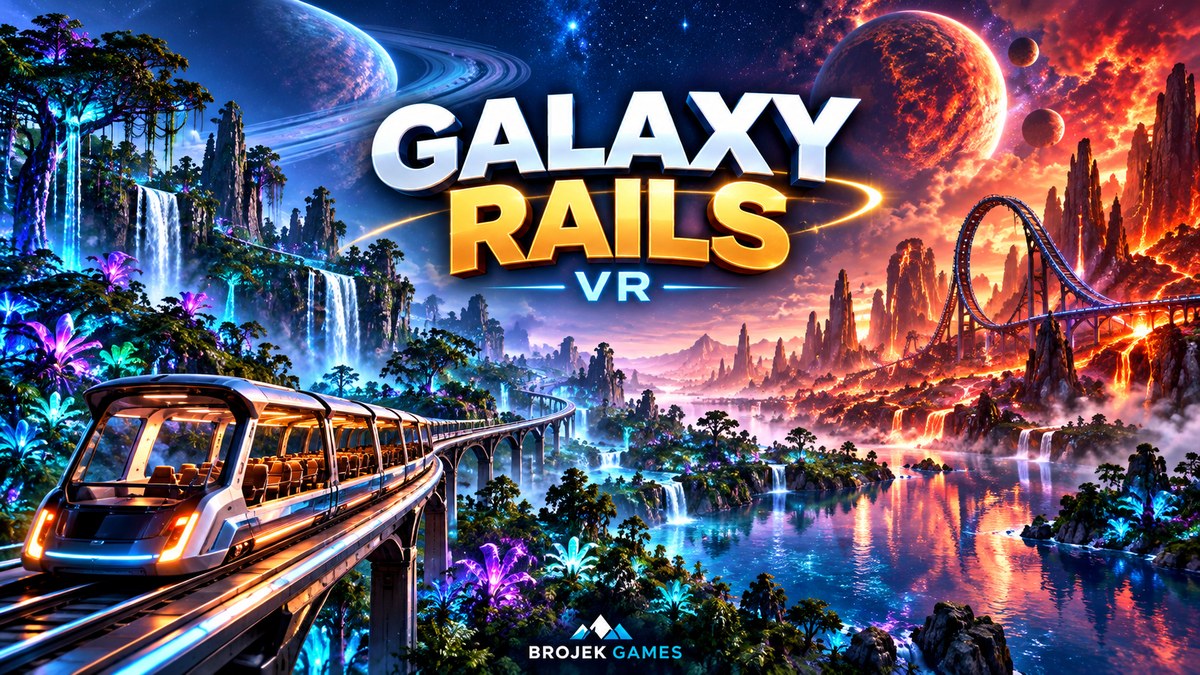
Roller coasters are one of the best ways to feel what virtual reality can do. Galaxy Rails VR puts ten themed rides and a calm sightseeing train on alien planets, and it runs straight from a link on Meta Quest 3 and 3S, on your computer and on your phone.
Two ways to ride
Calm Train mode is made for relaxing and for people new to VR: you can walk around the open car while it rolls along a stone viaduct, and every 400 meters a portal takes you to another planet. Roller Coaster mode is the opposite: steep drops, loops, 360° rolls, helixes and launches, with an epic soundtrack that grows with your speed.
The 10 coasters
- Glowing roots in a bioluminescent forest
- Crimson desert towers with two loops and a 360° roll
- A glass cabin through an aurora glacier
- Low dives between giant coral towers
- Obsidian columns and lava rivers
- A 0–108 km/h launch through violet clouds
- A mushroom kingdom full of airtime hills
- Crystal towers over a mirrored desert
- A steam-age cabin among brass gears
- The edge of space: 0–119 km/h launch, three loops and a double roll
Will it make me feel sick?
Coasters are intense in VR. If you are new, start with the train, play seated and take breaks. Looking toward where the track is going helps a lot. On a computer or phone there is no motion sickness at all.
How to start
Open brojekgames.com in the headset browser, choose Galaxy Rails VR and press Play in VR. The first 10 minutes are free after signing in with Google.