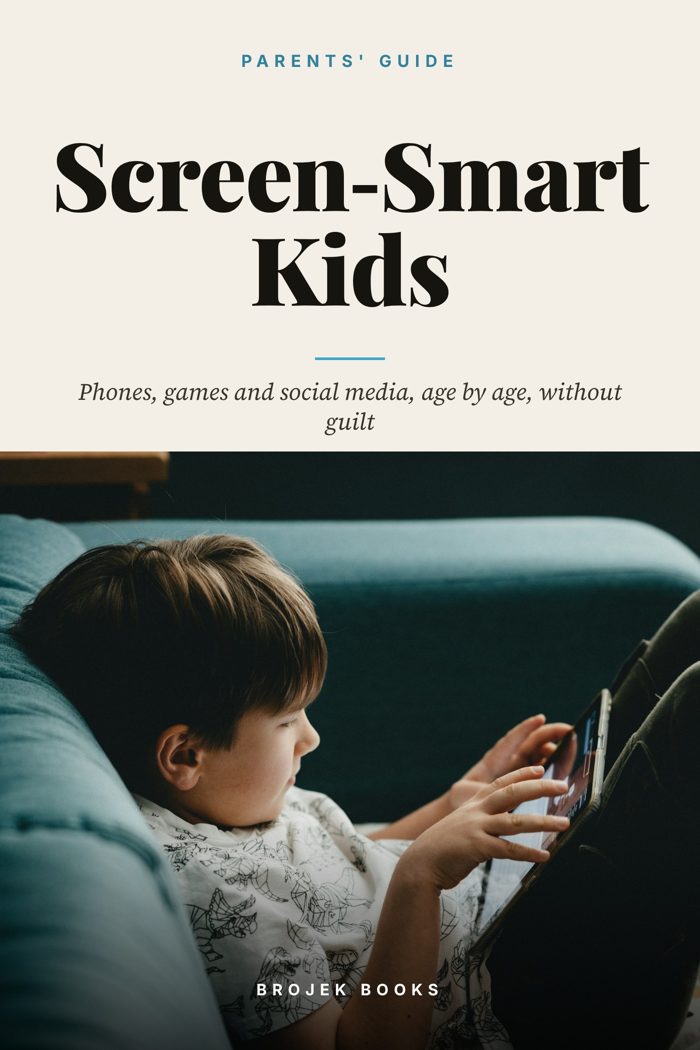
Screen-Smart Kids
A Practical, Guilt-Free Parents' Guide to Phones, Screens, Gaming and Social Media at Every Age, with Step-by-Step Parental Controls, a Family Media Agreement, Online Safety Plans and a 30-Day Family Reset
Raise kids who use screens wisely and safely, with clear rules, simple setups and conversations that actually work.
What you get
- Age-by-age guidance from 0-5 through the teen years
- First-phone readiness checklist and phone-type comparison
- Step-by-step parental controls for iPhone, Android, consoles and top apps
- A family media agreement template you can copy word for word
- Protective plan for grooming, sextortion and NCMEC's Take It Down
- Cyberbullying response steps and a school email template
- Dozens of talking scripts for kids, teens, co-parents and grandparents
- A 30-day family screen reset and official source list
Tablet meltdowns. A tween begging for a phone because everyone has one. A teen scrolling at midnight. A quiet worry about what your kid sees online. You're not failing. You're parenting in the first generation where kids carry the whole internet in their pocket, and this is the manual nobody handed you.
Screen-Smart Kids turns guidance from the American Academy of Pediatrics, the U.S. Surgeon General's 2023 social media advisory, NCMEC and the FBI into clear, practical steps. You'll get age-by-age guidance for 0-5, 6-9, 10-12 and teens, a first-phone readiness checklist, and step-by-step setup for iPhone Screen Time, Android Family Link, Xbox, PlayStation, Nintendo, YouTube, Roblox, TikTok, Instagram and Snapchat, with the teen protections these platforms offer as of 2026.
You'll also get a family media agreement you can copy word for word, gaming rules that end the daily battles, and a calm, protective plan for the hardest topics: grooming, financial sextortion, NCMEC's Take It Down tool, cyberbullying, and AI-generated images. There's a full chapter on sleep and getting phones out of bedrooms, plus an up-to-date look at the state laws restricting phones in schools.
Dozens of word-for-word scripts help you talk with toddlers, tweens, teens, co-parents and grandparents. A 30-day family reset puts it all into practice, one small step a day. Non-judgmental, realistic, and built for busy families.
What's inside
- Start Here: No Guilt, Just a Plan
- What the Experts Actually Recommend
- Ages 0 to 5: Little Kids and Screens
- Ages 6 to 9: Building Good Habits Early
- Ages 10 to 12: The First Phone Decision
- Teens: From Rules to Self-Management
- Parental Controls Step by Step: iPhone, iPad and Android
- App by App: Consoles, YouTube, Roblox, TikTok, Instagram and Snapchat
- The Family Media Agreement (Copy It Word for Word)
- Gaming Without the Battles
- Online Safety: Predators, Sextortion, and What to Do If Something Happens
- Cyberbullying: Spotting It, Stopping It, and Supporting Your Child
- Sleep, Bedrooms, and School: Where Phones Belong
- Two Homes, Grandparents, Summer Break, and Other Real-Life Situations
- Talking Scripts and What to Do Instead of Screens
- The 30-Day Family Screen Reset and Official Sources
Read a sample
There's no official "right age" for a first phone. The AAP encourages parents to think about their child's maturity and needs rather than a fixed age. Some families wait until middle school, some until 8th grade or later, and some give a basic phone earlier for safety or logistics. What matters most is readiness, the type of phone, and the rules that come with it. The first phone decision checklist Is my child ready? Answer honestly. The more "yes" answers, the more ready your child likely is. Do they have a real need (getting around independently, after-school activities, two households)? Do they follow rules about screen time now, without major battles? Do they tell you when something online bothers them? Can they handle losing a privilege calmly? Do they take care of their belongings? Do they understand that what's posted online can be permanent and shared? Can they put a device down when asked, most of the time? Do they know what to do if a stranger contacts them?
Questions
What format is it?
A PDF ebook you download right after purchase. It works on phones, tablets, Kindle apps that open PDFs, and computers.
How do I get it?
After checkout you get a download link by email and on the confirmation page.
Who wrote it?
Brojek Books, the publishing imprint of Brojek Games (brojekgames.com).
 The AI Toolbox
 500 AI Prompts That Actually Work
 Candlestick Charts Made Simple
 Investing for Beginners
 The Debt-Free Blueprint
 Conversational Spanish in 30 Days
 Unhooked
 Grow Your Own Food