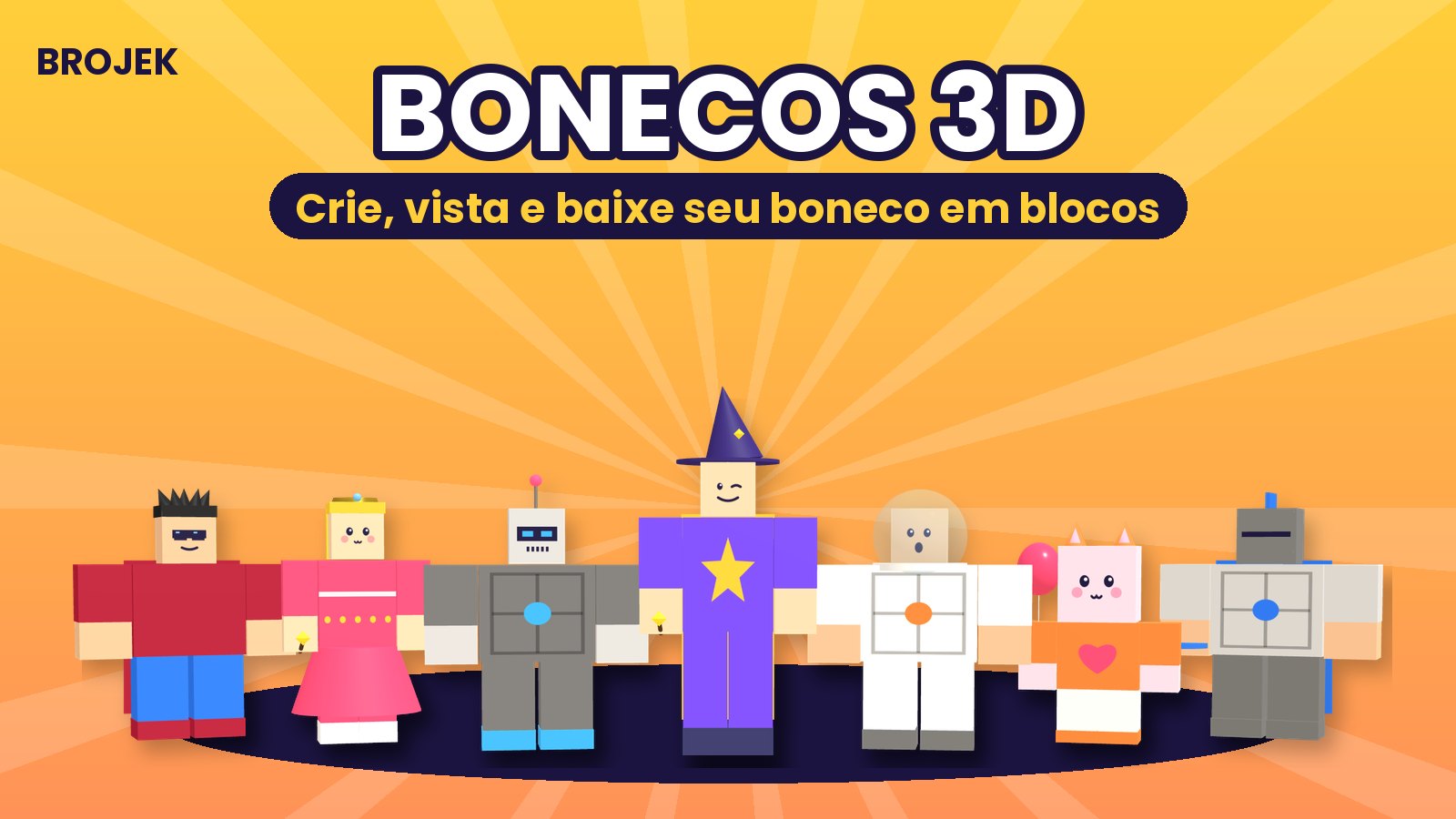
Build blocky 3D characters: 29 ready styles (ghost, vampire, witch, ninja, robot, princess…), mix-and-match faces, hair, hats, clothes, extras and download as animated GLB or PNG.
About the game
Brojek Bonecos 3D (3D Figures) is a block-style character creator that's easy to use and full of detail. You can start from one of 29 ready styles — floating ghost, little ghost, vampire, witch, pumpkin head, mummy, skeleton, zombie, little devil, little angel, ninja, robot, princess, superhero, pirate, astronaut, wizard, knight and more — or build your figure from scratch, piece by piece.
You can change body proportions and build the face with 14 eyes, 13 mouths, eyebrows, freckles, a scar, glasses, masks and beards. There are 14 hairstyles, 24 hats, 24 T-shirt designs (with your own text), trousers, skirt, dress, boots and gloves, plus extras like a sword, wand, lantern, wings, cape and jetpack. When your figure is ready, try 8 poses and download it as GLB with 6 animations to use in Blender, Unity or your game, or as PNG with or without background, for stickers, avatars or video thumbnails.
How to play
- Open Brojek 3D Figures and choose a ready style or start from scratch.
- In the Body tab, adjust height and proportions; in the Face tab, build eyes, mouth and accessories.
- Choose hair, hat and clothes; write text on the T-shirt if you like.
- Add extras like a cape, wings or jetpack and try poses in the Scene tab.
- Download the figure as animated GLB, PNG or as a figure file to edit later.
Controls
💻 Computer
- Drag with the mouse: rotate the figure
- Mouse wheel: zoom
- Tabs: styles, body, face, hair, clothes, extras and scene
- ↶ ↷: undo / redo
📱 Phone
- Drag one finger to rotate the figure
- Pinch: zoom
- Tap the tabs to change each part
🥽 Meta Quest (VR)
- The creator is made for screens; on Meta Quest open it in the browser in a large window
- Use the controller like a mouse to rotate the figure and pick parts
- The downloaded GLB can later be used in VR games
Tips
- Start from a ready style close to what you want and then swap parts — it's much faster than building from scratch.
- Use the transparent PNG to make a profile avatar or a chat sticker.
- Save the 'figure file' as well as the GLB so you can come back and change an outfit later.
- For games, download GLB: the 6 animations come ready and work in Unity and Three.js.
- Test all 8 poses before downloading; big capes and wings sometimes clip through the body in certain poses.