The best free 3D model sites for game developers (honest list)
There is a huge amount of free 3D content online, but quality, style and especially licenses vary a lot. This list covers the sites game developers actually use, what each is best at and what the license lets you do. Yes, our own store is on the list — we’ll be upfront about where it fits and where other sites are a better choice.
1. Kenney
Best for: consistent low-poly asset packs. Kenney publishes hundreds of themed packs (city, space, castle, racing, furniture…) under CC0, which means no attribution is required and commercial use is fine. Packs usually include GLB/glTF, FBX and OBJ. The style is clean and simple, which makes prototyping fast. It is hard to beat for a jam game.
2. Quaternius
Best for: free low-poly packs with animated characters. Quaternius releases large CC0 packs — nature, dungeons, sci-fi, animals and rigged, animated characters — in FBX, OBJ, glTF and Blend formats. Great quality for the price of zero.
3. Poly Pizza
Best for: searching many low-poly models at once. Poly Pizza hosts thousands of low-poly models, including many from the old Google Poly archive and from creators like Kenney and Quaternius. Models are CC0 or CC-BY (attribution required for CC-BY), and downloads are available as GLB and FBX. Check the license on each model.
4. Sketchfab (downloadable models)
Best for: sheer variety, including realistic scans. Filter by “Downloadable” and you’ll find a huge library under Creative Commons licenses — mostly CC-BY, some CC0, and some with NonCommercial or NoDerivatives terms that rule out commercial games. Sketchfab offers an auto-converted glTF/GLB download for most models. Quality ranges from amazing to unusable, and polygon counts are often far too high for games, so check the stats.
5. Poly Haven
Best for: realistic photoscanned props, plus HDRIs and textures. Everything is CC0. The model library is smaller than the others but extremely high quality, with glTF and Blend downloads and multiple texture resolutions.
6. Smithsonian Open Access and NASA
Best for: real-world artifacts and space hardware. The Smithsonian releases many museum scans as CC0; NASA publishes spacecraft, rovers and planetary models free for most uses (check NASA’s media guidelines). Great for educational projects and realistic scenes; usually too heavy for real-time without optimization.
7. OpenGameArt
Best for: community-made game assets of every kind. Licenses vary (CC0, CC-BY, CC-BY-SA, GPL), so read each one — CC-BY-SA and GPL carry share-alike obligations. Formats and quality vary widely too.
8. Mixamo
Best for: animations. Adobe’s Mixamo offers free characters and a large library of animations, plus an auto-rigger for your own humanoid meshes. You need a free Adobe account, downloads are FBX (or DAE), and Adobe’s terms allow use in your projects but not redistributing the raw files.
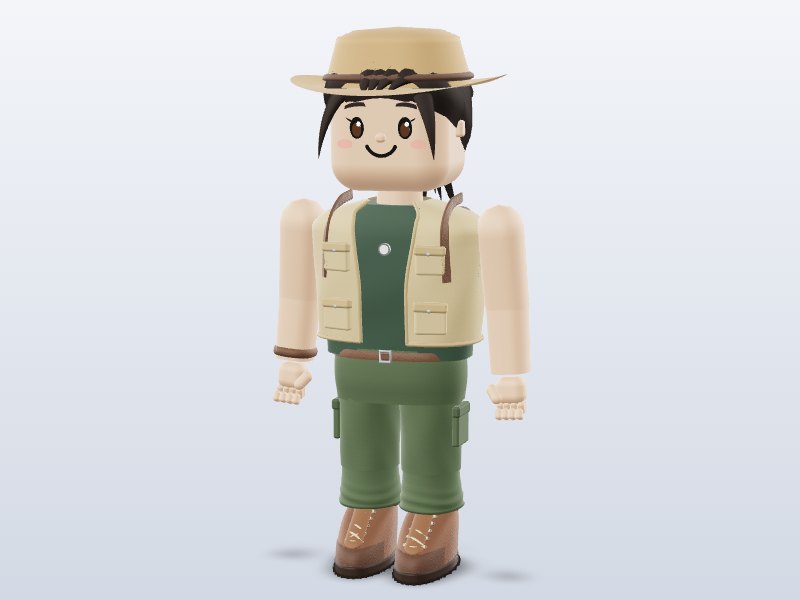
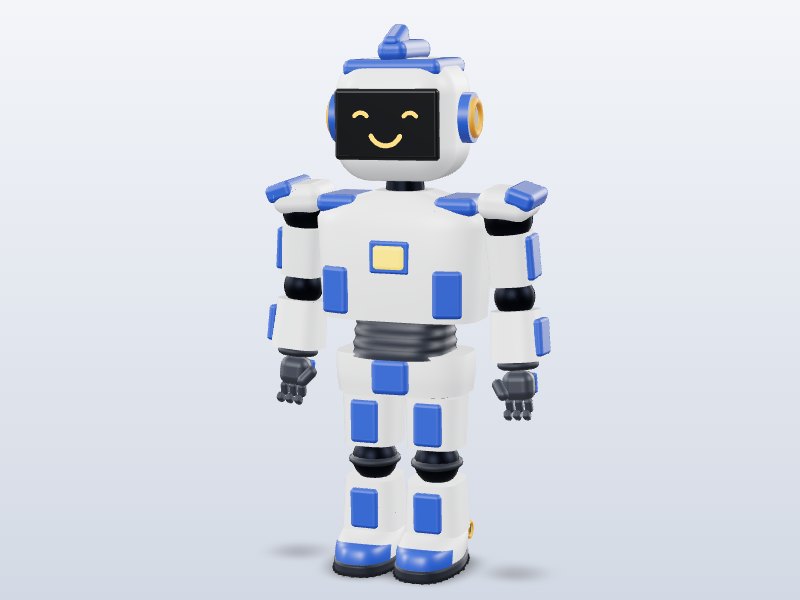
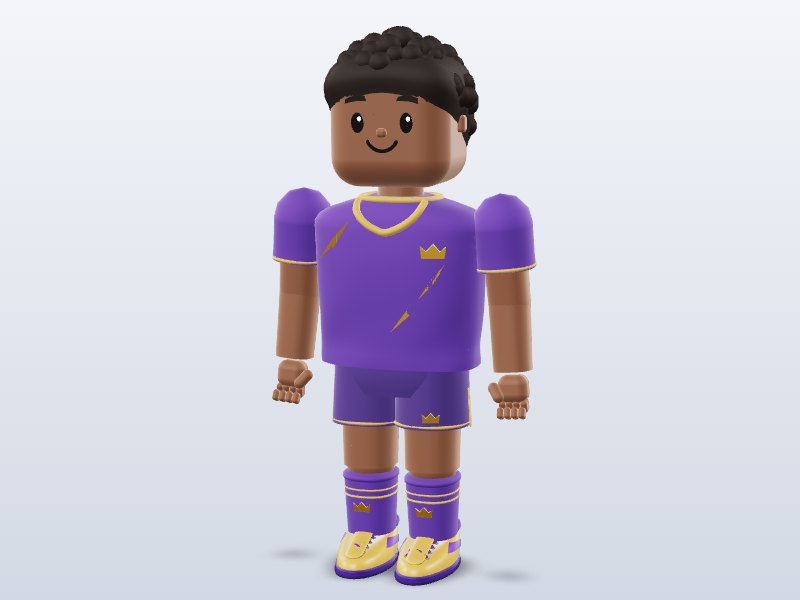
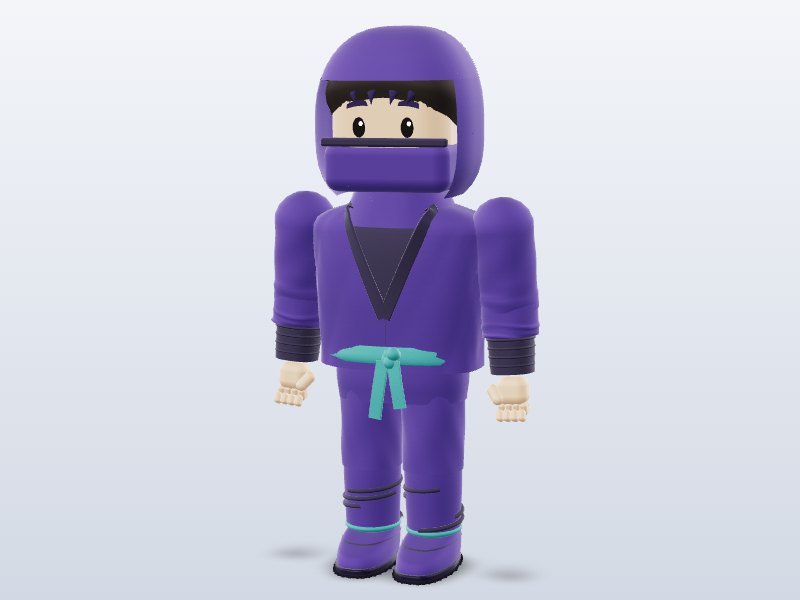
9. Brojek GLB (this site)
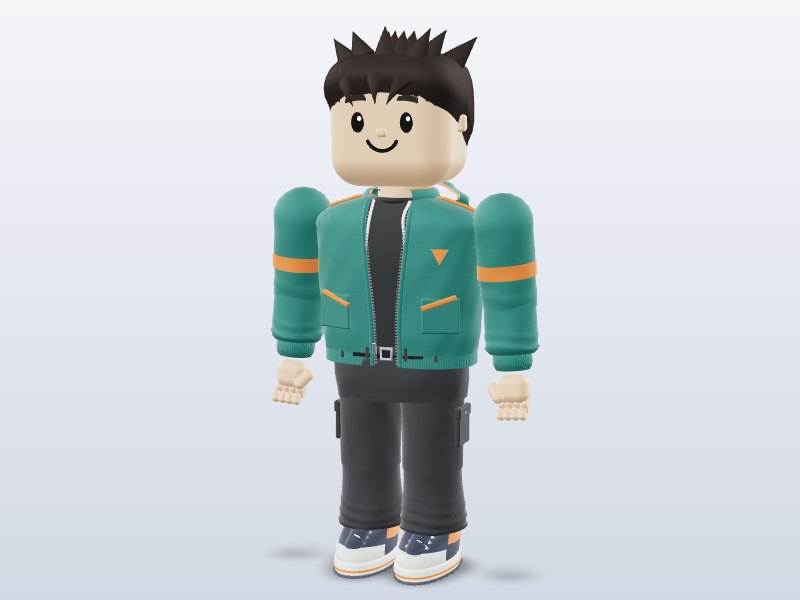
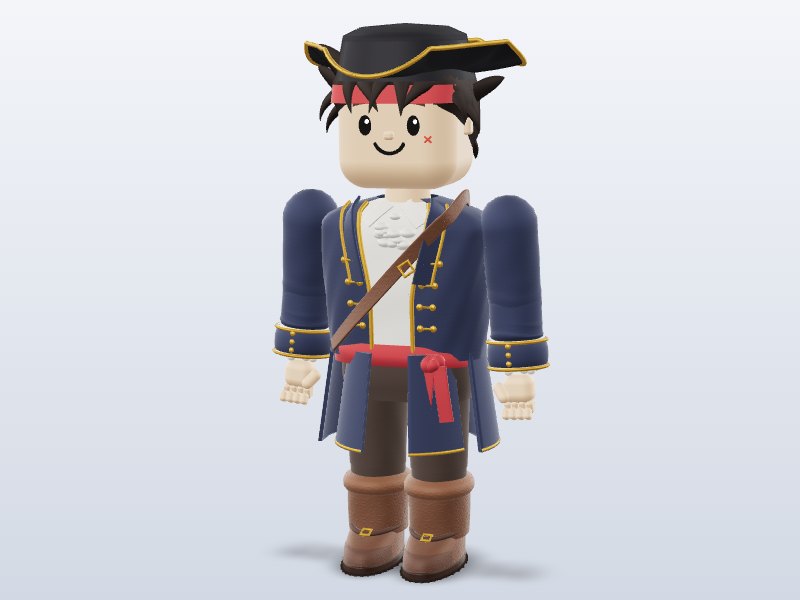
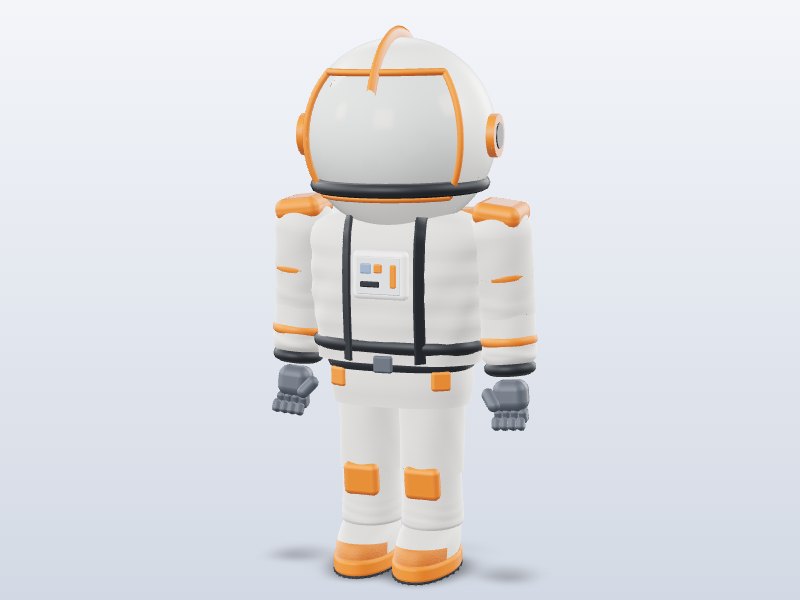
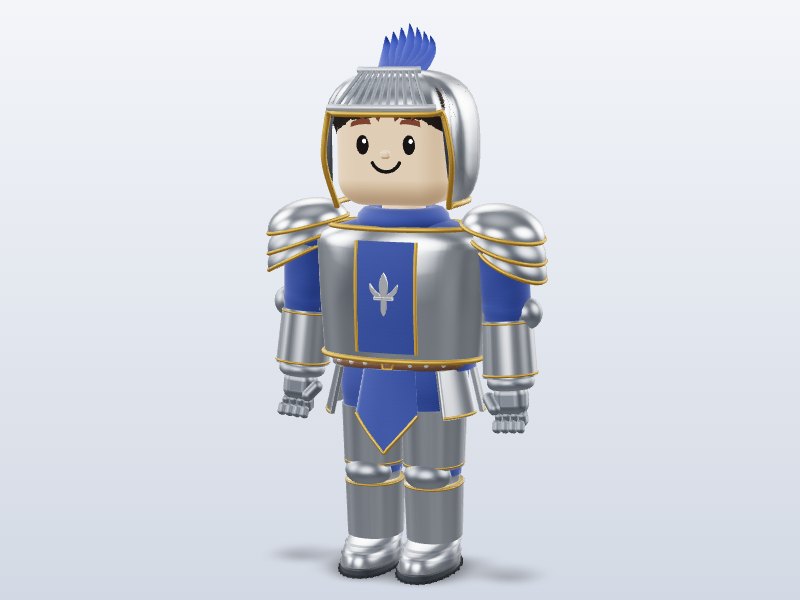
Best for: a single stylized cartoon look across characters, weapons, buildings and nature, with rigged and animated blocky characters and a free online Character Creator. All files are GLB with PBR textures, many with low-poly versions. Honest limits: it is not CC0 — you get one free download (with a Google sign-in), and a one-time US$1 payment unlocks unlimited downloads forever (not a subscription, and new models are included). Commercial use in games and apps is allowed, but the files themselves can’t be redistributed. The catalog is smaller than Sketchfab’s or Poly Pizza’s.
Licenses at a glance
| Site | Typical license | Formats | Style |
|---|---|---|---|
| Kenney | CC0 | GLB, FBX, OBJ | Clean low-poly |
| Quaternius | CC0 | FBX, OBJ, glTF, Blend | Low-poly, animated |
| Poly Pizza | CC0 / CC-BY | GLB, FBX | Low-poly mix |
| Sketchfab | Mostly CC-BY (varies) | glTF/GLB + original | Everything |
| Poly Haven | CC0 | glTF, Blend | Photoreal |
| OpenGameArt | Varies | Varies | Varies |
| Mixamo | Adobe terms | FBX, DAE | Characters + animations |
| Brojek GLB | Royalty-free, no redistribution | GLB (+ creator: GLTF, OBJ, STL, USDZ) | Stylized cartoon |
How to choose
- Need zero-attribution assets for a jam? Kenney and Quaternius.
- Need one specific object? Search Poly Pizza and Sketchfab, and double-check the license.
- Need realism? Poly Haven and Smithsonian.
- Need animations for a humanoid? Mixamo.
- Need a matching cartoon set with blocky animated characters, funny toy guns and castles? Try Brojek GLB.
Whatever you use, keep a simple text file in your project listing each asset, its source and its license. It takes two minutes and saves headaches when you ship. Once you have your models, our guides show how to bring them into Unity, Godot, Roblox Studio and three.js.
Download 1 model free with your Google account. Want unlimited? Pay just US$1 — once, lifetime, not a subscription. Every new model we add is included forever.