How to use 3D models in three.js (load GLB with GLTFLoader)
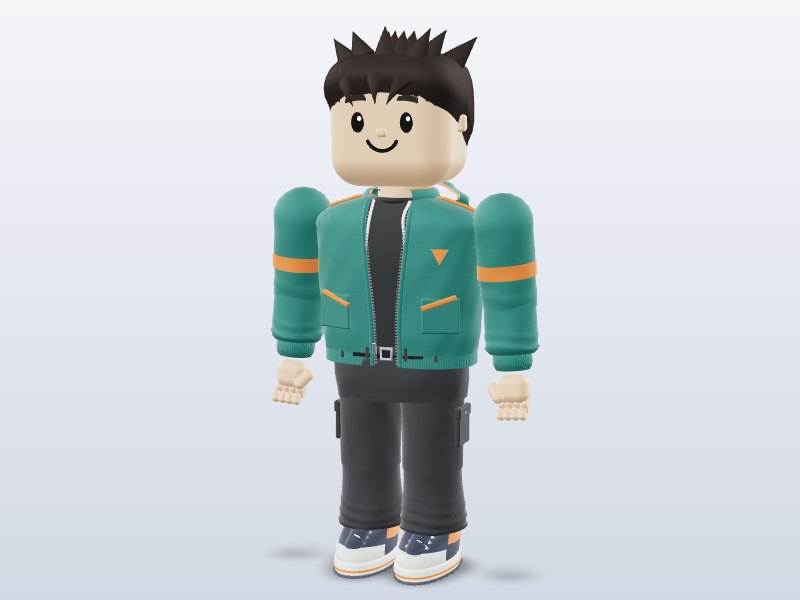
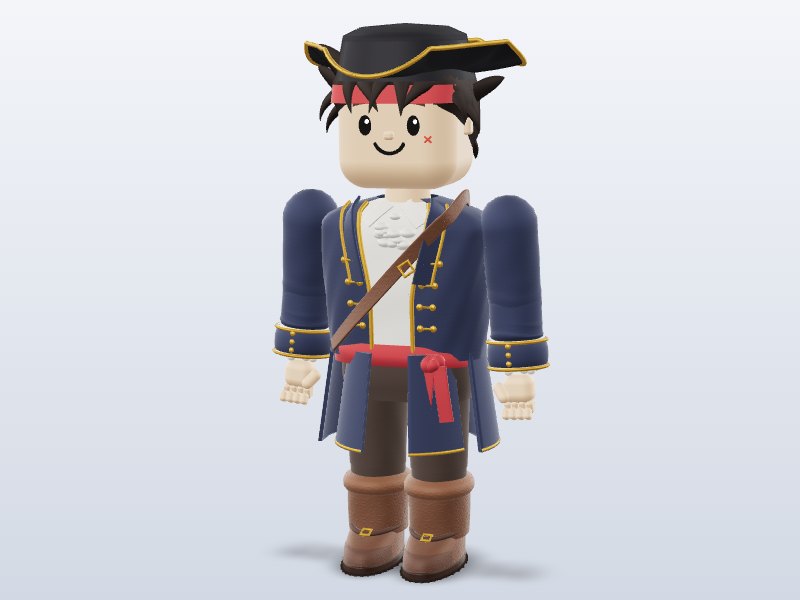
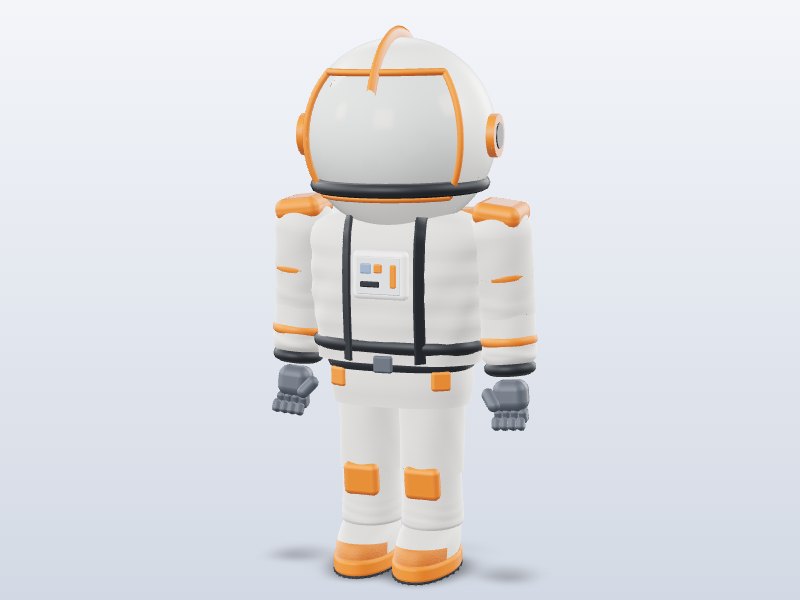
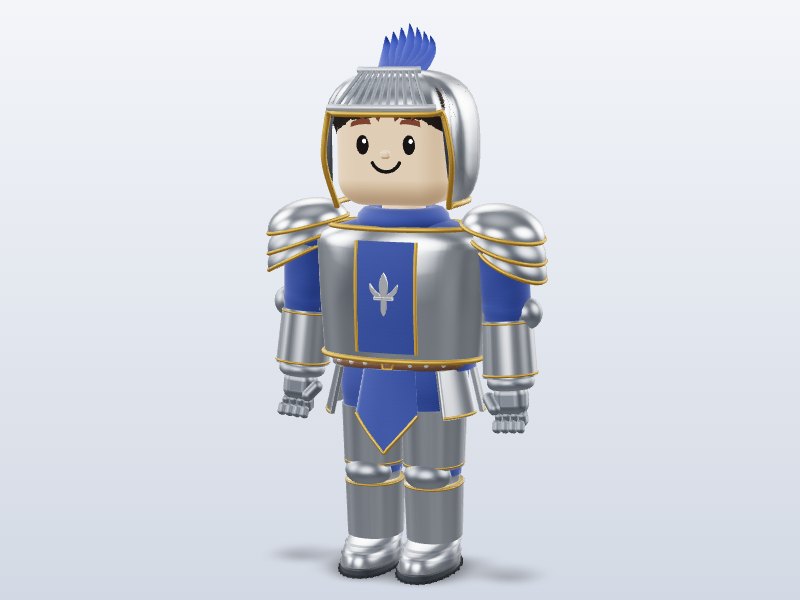
three.js is the most popular JavaScript library for 3D on the web, and GLB is its favorite format. With GLTFLoader you can load a model, its PBR materials and its animations in a few lines. This guide builds a complete page that loads an animated character, lets you orbit around it and plays its walk cycle. Grab any model from our three.js collection to follow along.
1. Set up a page
You can use a bundler like Vite, but the quickest start is an import map that loads three.js from a CDN. Pin an exact version so your page never breaks on an update:
<script type="importmap">
{ "imports": {
  "three": "https://cdn.jsdelivr.net/npm/three@0.170.0/build/three.module.js",
  "three/addons/": "https://cdn.jsdelivr.net/npm/three@0.170.0/examples/jsm/"
} }
</script>
<script type="module" src="main.js"></script>
Serve the folder with any local web server (for example npx serve) — browsers block loading .glb files from file:// URLs.
2. Load the GLB
import * as THREE from 'three';
import { GLTFLoader } from 'three/addons/loaders/GLTFLoader.js';
import { OrbitControls } from 'three/addons/controls/OrbitControls.js';

const renderer = new THREE.WebGLRenderer({ antialias: true });
renderer.setPixelRatio(Math.min(devicePixelRatio, 2));
renderer.setSize(innerWidth, innerHeight);
document.body.appendChild(renderer.domElement);

const scene = new THREE.Scene();
scene.background = new THREE.Color(0xdde3f0);
const camera = new THREE.PerspectiveCamera(45, innerWidth / innerHeight, 0.1, 100);
camera.position.set(0, 1.4, 4);

scene.add(new THREE.HemisphereLight(0xffffff, 0x8899aa, 2));
const sun = new THREE.DirectionalLight(0xffffff, 2.5);
sun.position.set(3, 5, 2);
scene.add(sun);

const controls = new OrbitControls(camera, renderer.domElement);
controls.target.set(0, 1, 0);

let mixer;
const clock = new THREE.Clock();
new GLTFLoader().load('blocky-hero.glb', (gltf) => {
  scene.add(gltf.scene);
  mixer = new THREE.AnimationMixer(gltf.scene);
  const clip = THREE.AnimationClip.findByName(gltf.animations, 'Walk');
  if (clip) mixer.clipAction(clip).play();
});

renderer.setAnimationLoop(() => {
  controls.update();
  if (mixer) mixer.update(clock.getDelta());
  renderer.render(scene, camera);
});
addEventListener('resize', () => {
  camera.aspect = innerWidth / innerHeight; camera.updateProjectionMatrix();
  renderer.setSize(innerWidth, innerHeight);
});
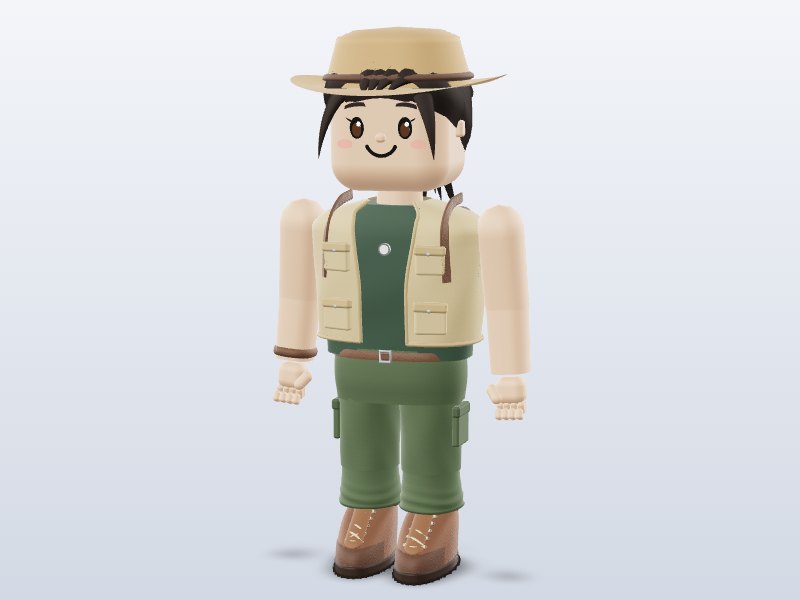
Rename the downloaded file (for example the Brojek Blocky Hero) to blocky-hero.glb and put it next to main.js. You should see the character walking in place.
3. Switch between animations
gltf.animations is an array of AnimationClips. Our characters include Idle, Walk, Run, Jump, Wave, Dance, Dance2, Celebrate and Kick. To blend smoothly from one to another, keep the actions and cross-fade:
const actions = {};
for (const clip of gltf.animations) actions[clip.name] = mixer.clipAction(clip);
let current = actions.Idle; current.play();
function play(name) {
  const next = actions[name];
  if (!next || next === current) return;
  next.reset().play();
  current.crossFadeTo(next, 0.3, false);
  current = next;
}
// play('Run'); play('Dance');
For one-shot moves like Jump or Kick, set action.setLoop(THREE.LoopOnce) and action.clampWhenFinished = true, then listen for the mixer’s finished event to return to Idle.
4. Draco and meshopt compressed files
Some GLB files use mesh compression. If loading fails with a message about KHR_draco_mesh_compression, attach a DRACOLoader:
import { DRACOLoader } from 'three/addons/loaders/DRACOLoader.js';
const draco = new DRACOLoader();
draco.setDecoderPath('https://www.gstatic.com/draco/versioned/decoders/1.5.6/');
const loader = new GLTFLoader();
loader.setDRACOLoader(draco);
For EXT_meshopt_compression, call loader.setMeshoptDecoder(MeshoptDecoder) with the decoder from three/addons/libs/meshopt_decoder.module.js.
5. Scale, position and shadows
glTF uses meters, and our models are built at real-world scale with their origin at the feet or base, so a character is about 1.8 units tall and stands on y = 0. If a model from another source is huge or tiny, measure it instead of guessing: new THREE.Box3().setFromObject(gltf.scene) gives its bounding box, and you can scale or center it from there. To make objects cast and receive shadows, set renderer.shadowMap.enabled = true, sun.castShadow = true, and traverse the model to enable castShadow and receiveShadow on each mesh. Keep the shadow camera tight around your scene for crisp results.
6. Common errors
- Nothing appears: open the browser console. A 404 means the path is wrong; a CORS error means you opened the page from the file system instead of a web server.
- The model is black: there is no light in the scene, or the material is metallic with no environment to reflect. Add a HemisphereLight, or set
scene.environmentusing RoomEnvironment and PMREMGenerator. - Animation plays once and freezes: you forgot to call
mixer.update(delta)every frame. - Textures look washed out: make sure you are not overriding
renderer.outputColorSpace; the default sRGB output is correct for GLB.
7. Performance tips
- Use low-poly models on mobile and in WebXR.
- Reuse one loaded model many times with
SkeletonUtils.clone()for animated characters orInstancedMeshfor static props. - Cap the pixel ratio at 2 and only enable shadows on the objects that need them.
- Dispose geometries, materials and textures when you remove a model.
No-code option: <model-viewer>
If you only need to show a model on a page — a product, a character, a portfolio piece — Google’s <model-viewer> web component does it with one HTML tag, including AR on phones. It is what powers the 3D previews on this site.
Going further
Add physics with a library like Rapier, turn the scene into a VR experience with renderer.xr.enabled = true and the VRButton helper (see VR models), or build a level from props and trees.
Download 1 model free with your Google account. Want unlimited? Pay just US$1 — once, lifetime, not a subscription. Every new model we add is included forever.